Best AI Caption Tools for YouTube and Shorts (2026)
Ranked caption tools for YouTube and Shorts: local transcripts, word-by-word burns, speaker labels and translation, with the license limits that matter.
By TubeMarket · · captions, subtitles, whisper, shorts, faceless youtube
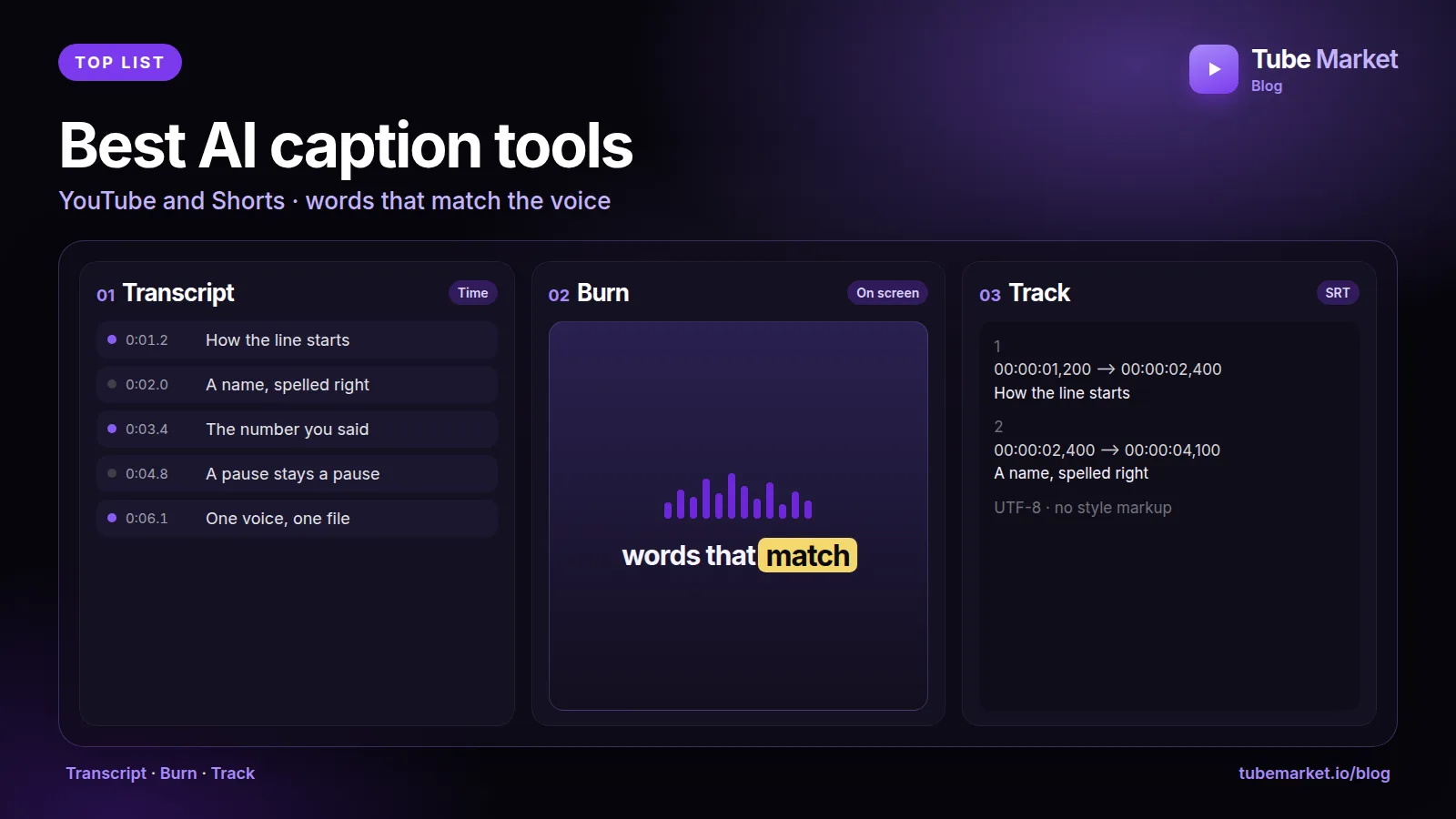
A caption is the words the viewer reads while the voice speaks. On a Short, those words are often the only way the video works with the sound off. On a long video, they are also a file YouTube can host as a track. Those are two different outputs. A pretty burn that you cannot turn off is not the same thing as a SubRip file a viewer can toggle. This guide ranks the caption items on the TubeMarket shelf for that split: a timed transcript, text painted into the frame, a subtitle file, speaker labels, and a translation. It is a fit ranking. It is not an accuracy test, and it does not quote word-error rates we measured.
We judged each tool on four things:
- Job: does it write timings, burn text into the picture, export a file YouTube can upload, label speakers, or translate?
- Where it runs: on your machine, or through someone else's service
- License: can a channel that earns money use the code, or do you need to read a limit first
- What you still check: names, numbers, and line breaks the model will get wrong
The voice that speaks the line is ranked in Best AI Voiceover Tools for Faceless YouTube. The cut that happens before the burn is ranked in Best AI video editing tools for YouTube.
Quick picks
- Word timings on your machine: Local Whisper transcriber (
local-whisper-transcriber) - Word-by-word burn, including Vietnamese diacritics: word-captions (
word-captions) - The model the rest of the shelf sits on: Whisper (
openai-whisper) - Faster local runs of that model: faster-whisper (
systran-faster-whisper) - C/C++ on a Mac, including a karaoke burn: whisper.cpp (
tb-059) - Word alignment plus speaker labels: WhisperX (
m-bain-whisperx) - A desktop app that exports SRT and VTT: Buzz (
tb-058) - A browser UI for SRT, WebVTT and translation: Whisper-WebUI (
tb-057) - One command that burns the overlay: auto-subtitle (
tb-055) - Translate the subtitle, and optionally dub: VideoLingo (
huanshere-videolingo) or pyVideoTrans (jianchang512-pyvideotrans) - Remove a burn you have the right to replace: video-subtitle-remover (
yaofanguk-video-subtitle-remover) - Script first, no footage yet: Kokoro-TTS-Subtitle (
tb-019) - Captions inside a coded layout: Remotion's caption skill (
remotion-dev-skills)
TubeMarket catalog, ranked
1. Local Whisper transcriber: the word file
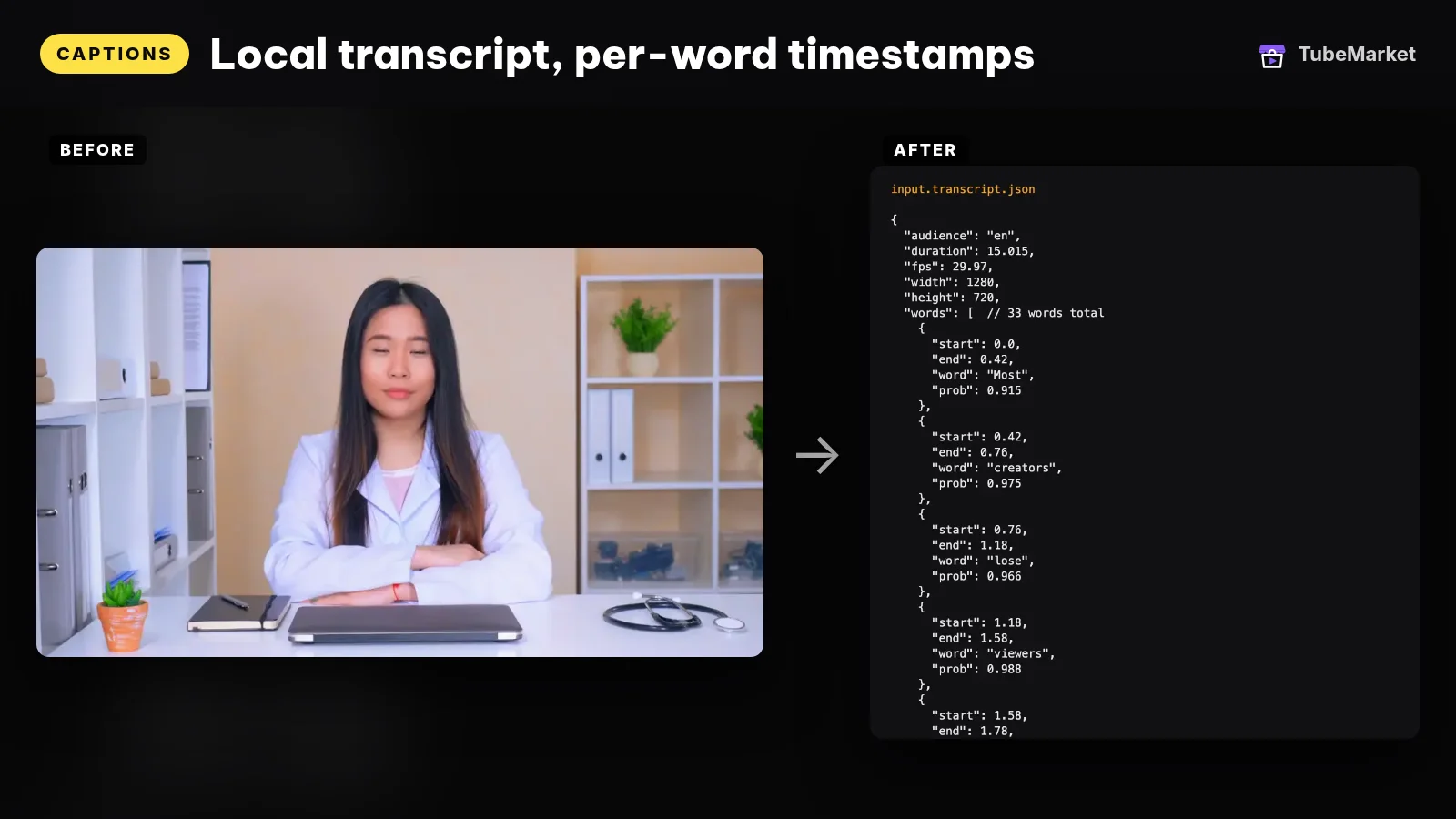

This TubeMarket skill writes a word-level transcript JSON with faster-whisper. It does not burn pixels. The published skill says the later shelf skills read that JSON rather than the video, and the repository is MIT licensed. After the model downloads once, the run is local. There is no API key.
The skill accepts an audience of Vietnamese, English, or auto, and a model override of base, small, medium or large-v3. Its own notes say to use large-v3 for Vietnamese, because smaller models get word timestamps wrong on short syllables. That is the skill's guidance, not a score we measured.
- Pros: one file the burn, the silence cut and the punch-zoom can share. The audio stays on your machine.
- Cons: a transcript is not a caption yet. You still choose the burn or the SRT, and you still read names.
2. word-captions: the burn that keeps the diacritics
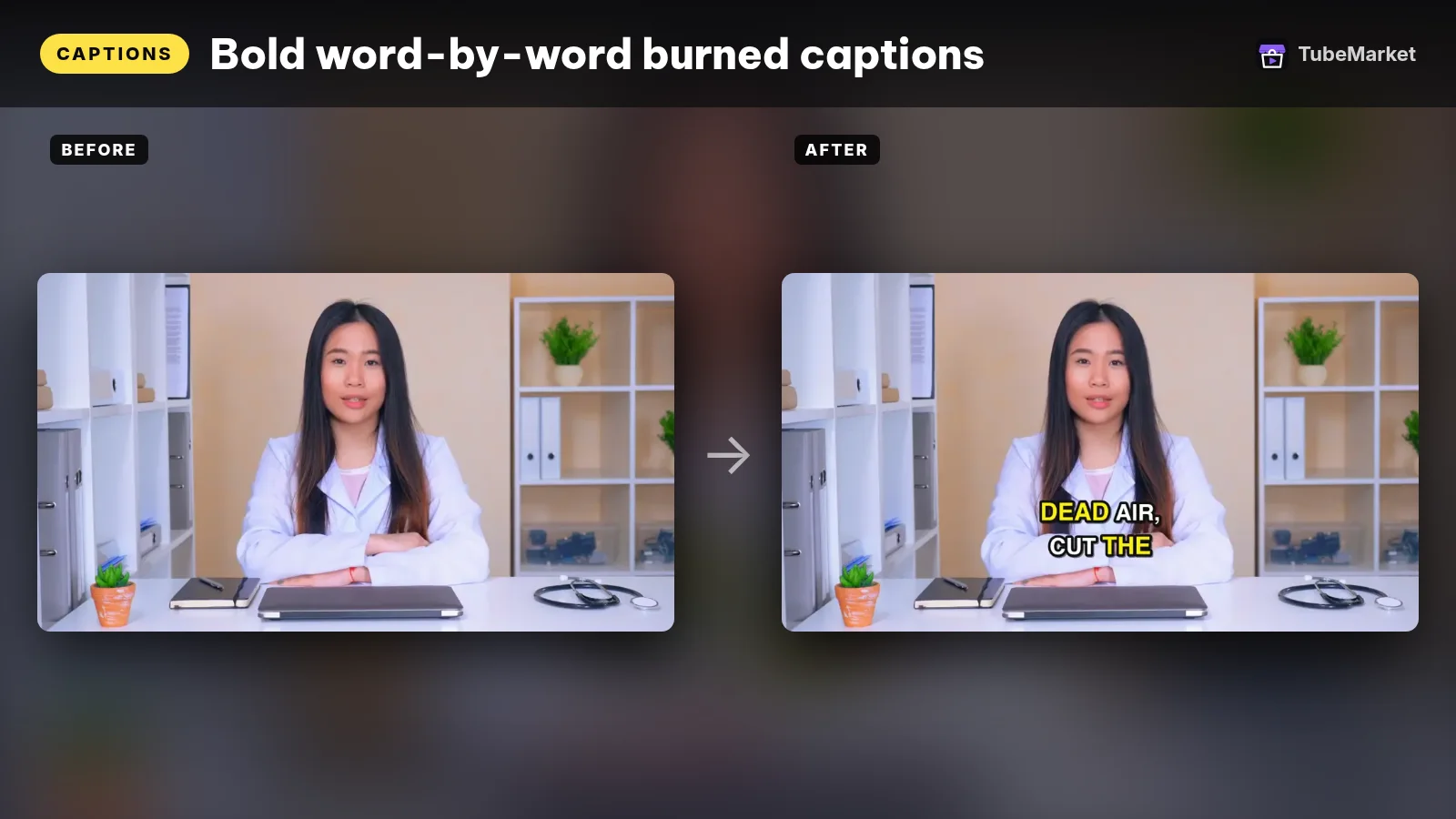
This TubeMarket skill reads that transcript and burns word-by-word captions with ffmpeg and libass. The same MIT repository applies. The skill writes an .ass file with one event per word: the line stays put, and the spoken word changes colour and scales up 8 percent.
The line-break rules are in the skill, not in a style we invented for this page. A line breaks at a pause longer than 0.8 seconds, even if the line is not full. The Vietnamese preset does not set the whole line in capitals, uses four words per line, and looks for Be Vietnam Pro. The English preset uses capitals, two words per line, and Montserrat. The skill's reason for the Vietnamese rule is that accented capitals stack marks and many fonts clip them.
- Pros: the look Shorts need when the sound is off, with a preset that does not destroy Vietnamese marks.
- Cons: a burn is paint. YouTube's supported-file page says a SubRip file does not keep style markup. If you also want a toggleable track, export one. Burn after the crop. Turn a talking video into a vertical short puts captions last for that reason.
3. Whisper: the model
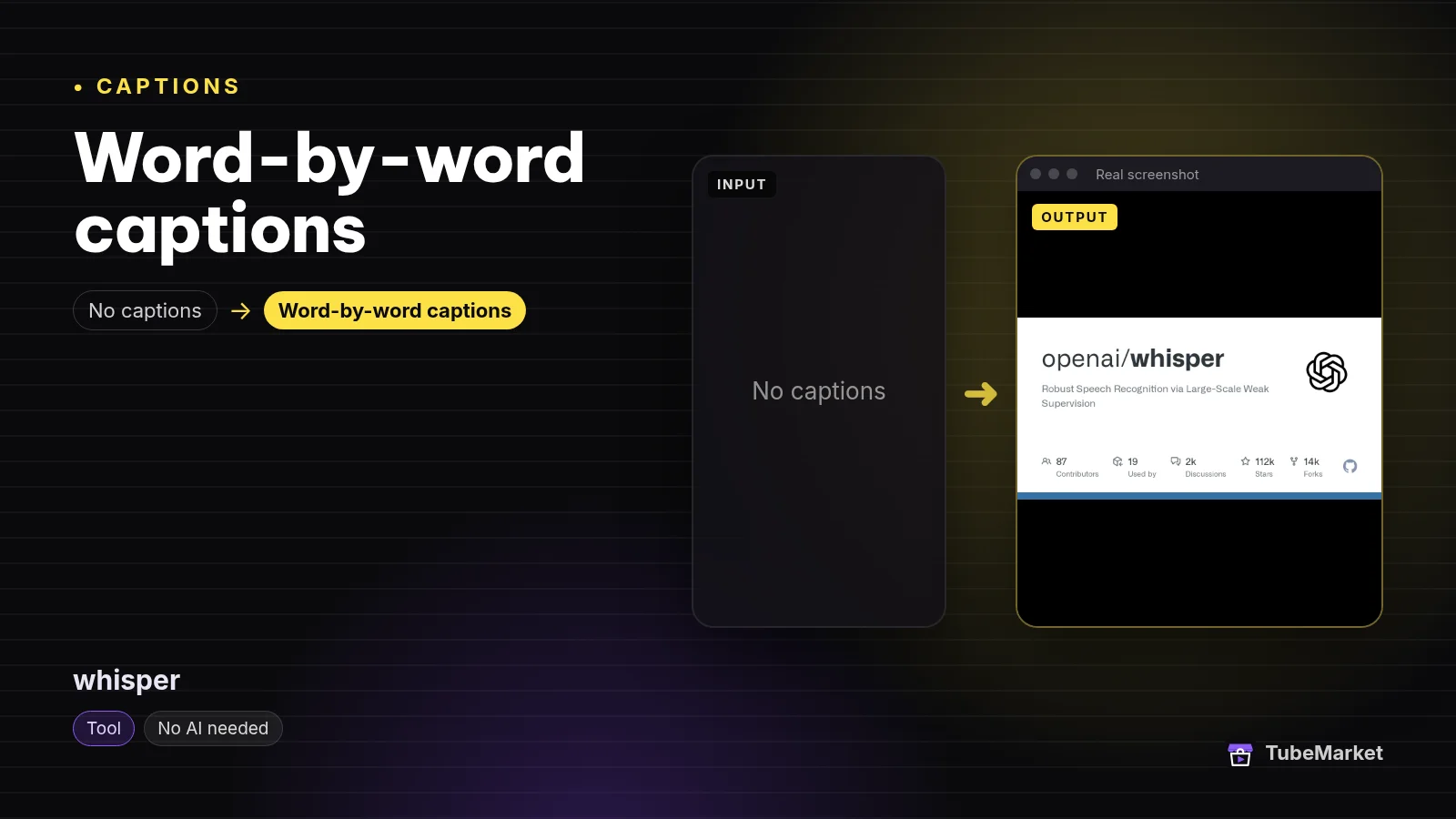

OpenAI Whisper is the speech-recognition model the tools below wrap. The README says the code and the model weights are MIT. It also says there are six model sizes. On its published table, measured by transcribing English speech on an A100, large is 1550 million parameters and about 10 GB of VRAM, and turbo is 809 million parameters, about 6 GB, and roughly eight times the relative speed of large. The same page says real-world speed varies with language, speaking speed and hardware, and that turbo is an optimized large-v3 that is not trained for translation. For a translation into English it tells you to use a multilingual model such as medium or large.
- Pros: a permissive license on both code and weights, and a written warning about which model can translate.
- Cons: the README's timestamps are not the word-level file
word-captionsexpects. WhisperX says Whisper's own timestamps are utterance-level. Use the local transcriber, or an aligner, when the burn has to land on each word.
4. faster-whisper: the same model, a faster engine
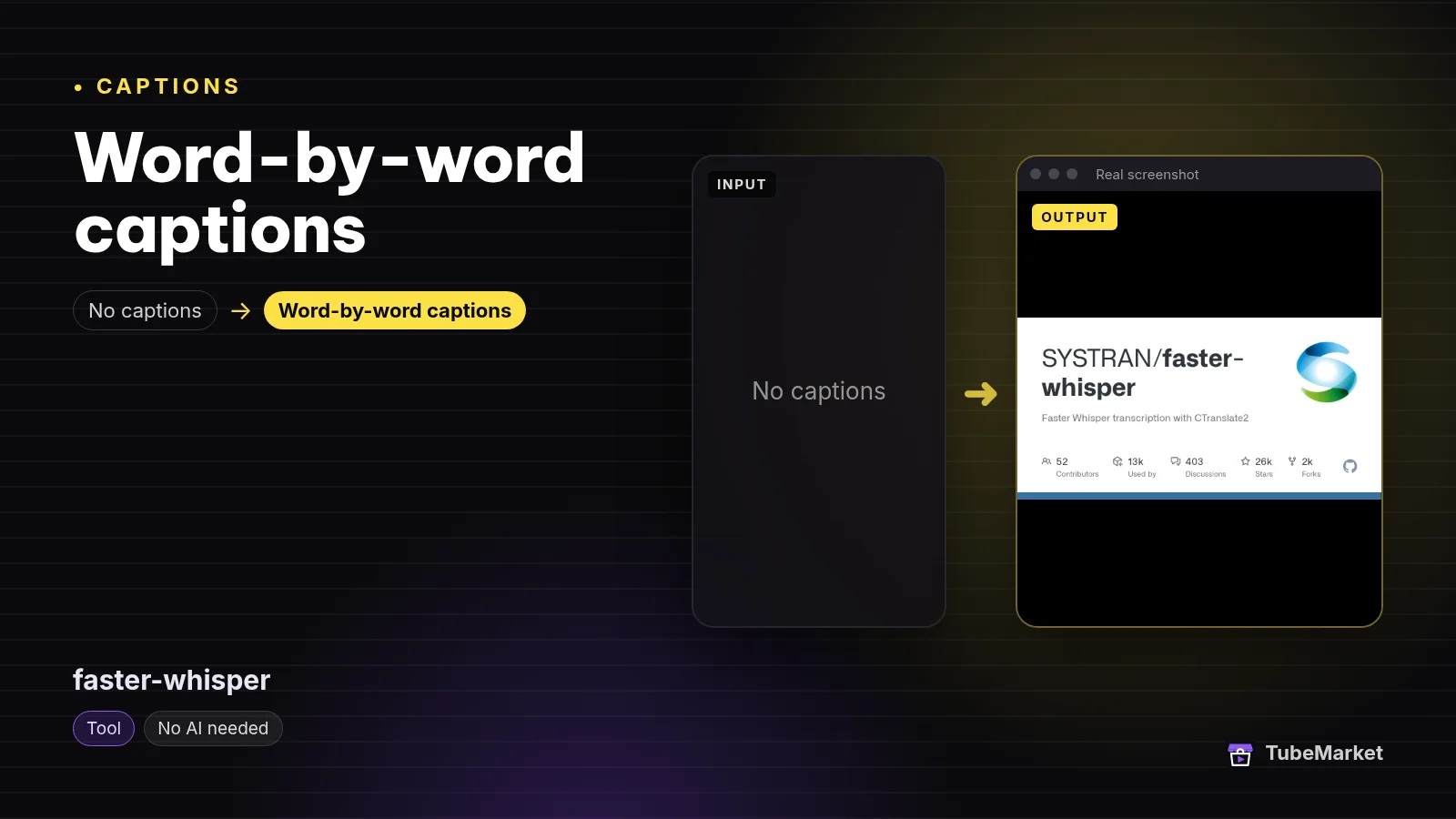

faster-whisper reimplements Whisper with CTranslate2. The license file is MIT. The README says this implementation is up to four times faster than openai/whisper for the same accuracy while using less memory, and that 8-bit quantization can push that further on CPU and GPU. It publishes benchmark tables run on an NVIDIA RTX 3070 Ti and on an Intel Core i7-12700K. Those are the project's figures, not a test we ran. Unlike openai/whisper, the README says FFmpeg does not have to be installed on the system, because PyAV bundles the FFmpeg libraries.
- Pros: the engine inside the TubeMarket transcriber, with a permissive license.
- Cons: a faster transcript is still a transcript. GPU builds need the CUDA and cuDNN versions the README names. Read that page before you pin a version.
5. whisper.cpp: local C/C++, including a karaoke burn
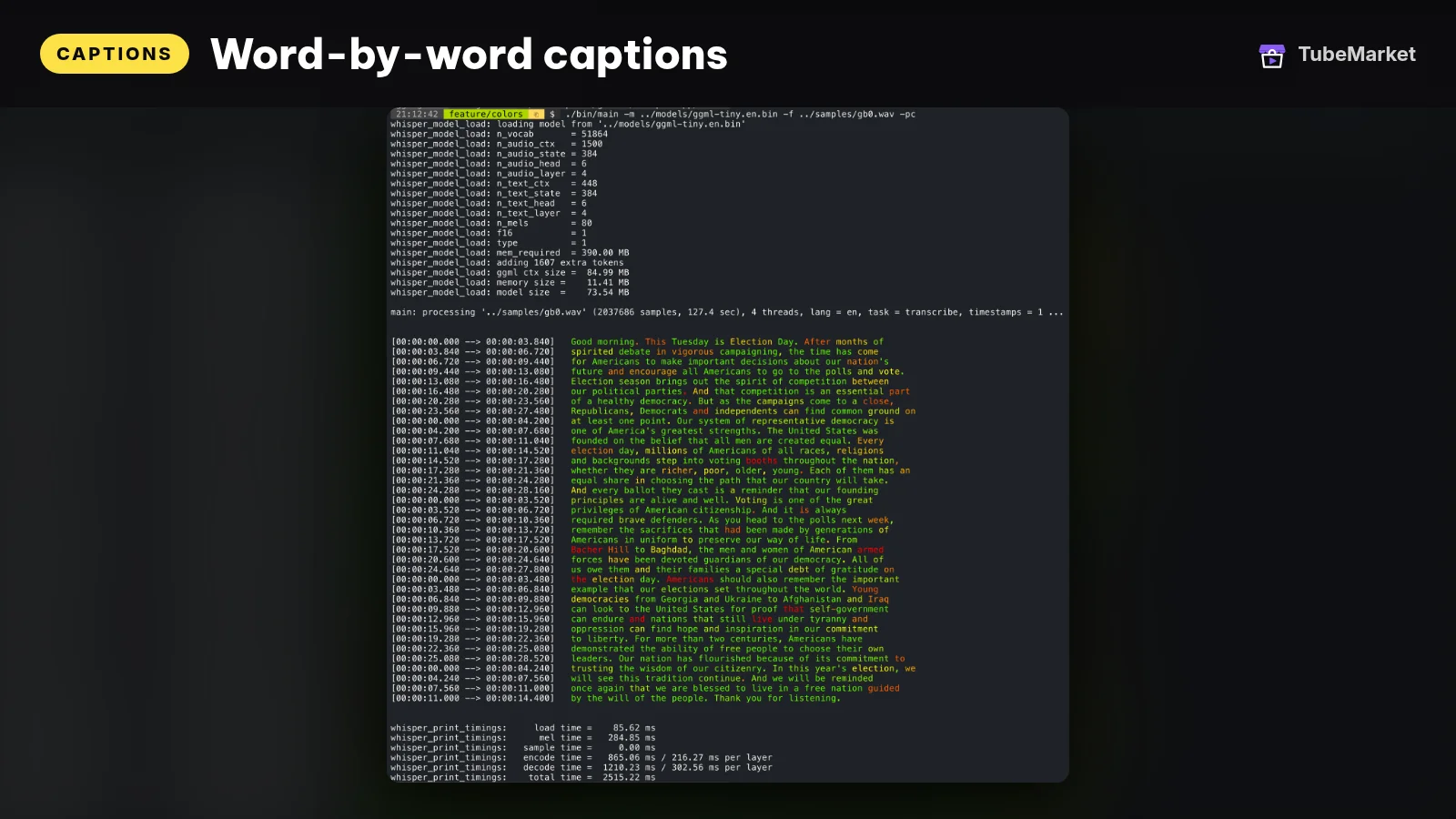

whisper.cpp is a C/C++ inference build of Whisper. The README badges the license as MIT. It calls Apple Silicon a first-class citizen, via ARM NEON, Accelerate, Metal and Core ML, and it also lists CPU-only inference plus GPU paths for other vendors. The CLI can print timestamped lines. With -owts it writes a script for a karaoke-style movie that highlights the current word, and the README says that path needs ffmpeg.
- Pros: a small native binary, and a built-in highlighted burn when you do not want the TubeMarket skill's presets.
- Cons: the karaoke movie is the project's experimental example, not a Vietnamese line-break preset. For diacritics and the 0.8-second pause rule, use word-captions.
6. WhisperX: words, then speakers
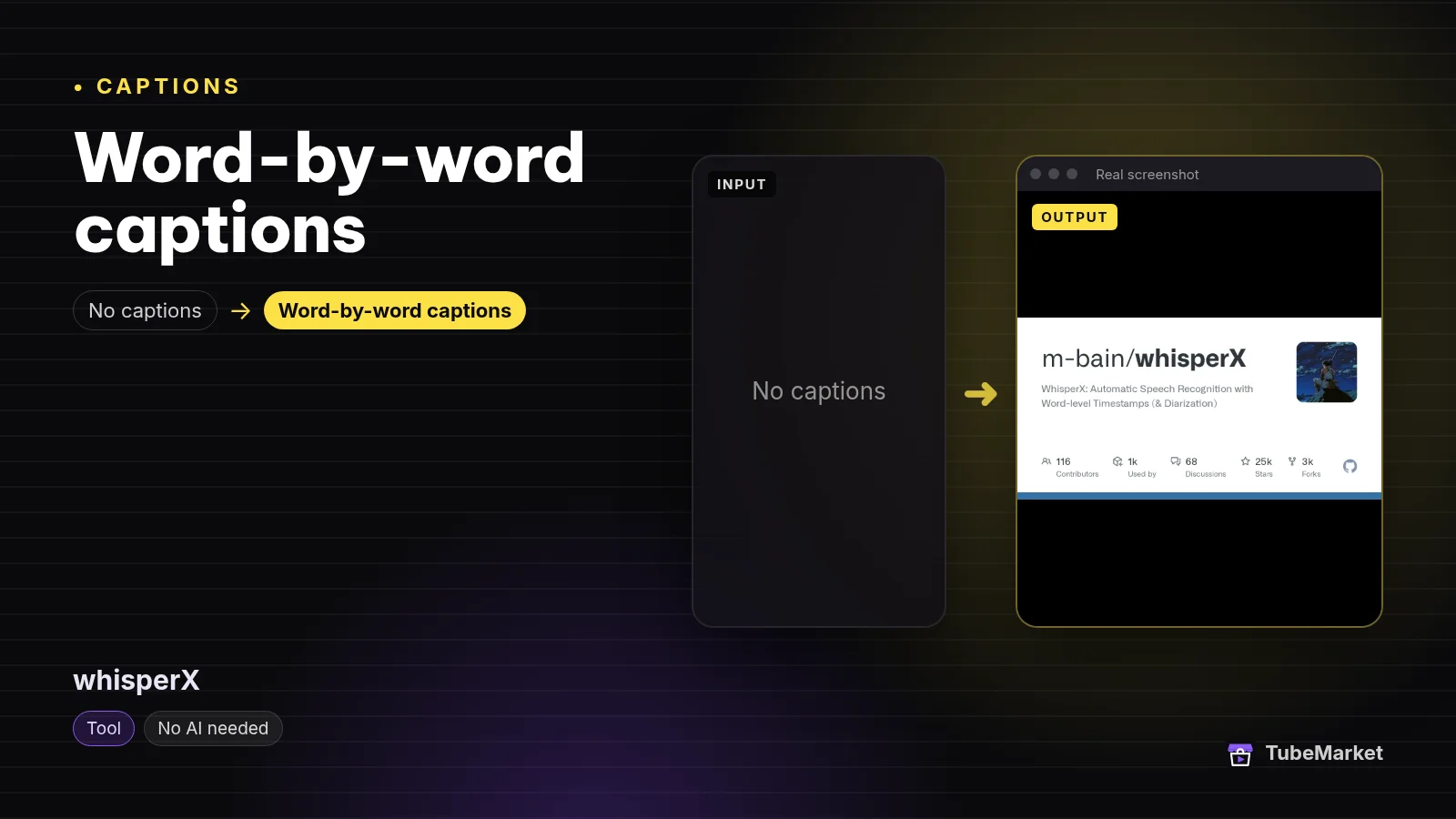

WhisperX is word-level timestamps plus speaker labels. The repository LICENSE is BSD-2-Clause. The README says it uses wav2vec2 forced alignment for word times, and pyannote for speaker diarization. It describes batched inference as 70x realtime with large-v2, and says the faster-whisper backend needs under 8 GB of GPU memory for large-v2 with beam size 5. Those are the project's figures. Speaker labels need a Hugging Face token, and you have to accept the user agreement for the speaker-diarization-community-1 model. The README says that model is CC-BY-4.0.
- Pros: the right tool when two people talk and the caption should say who. Word alignment is what a karaoke burn needs.
- Cons: diarization is a second model with its own license and a token. A faceless video with one narrator does not need it. Read the names anyway. A speaker label does not prove the spelling.
7. Buzz: a desktop app that writes SRT and VTT
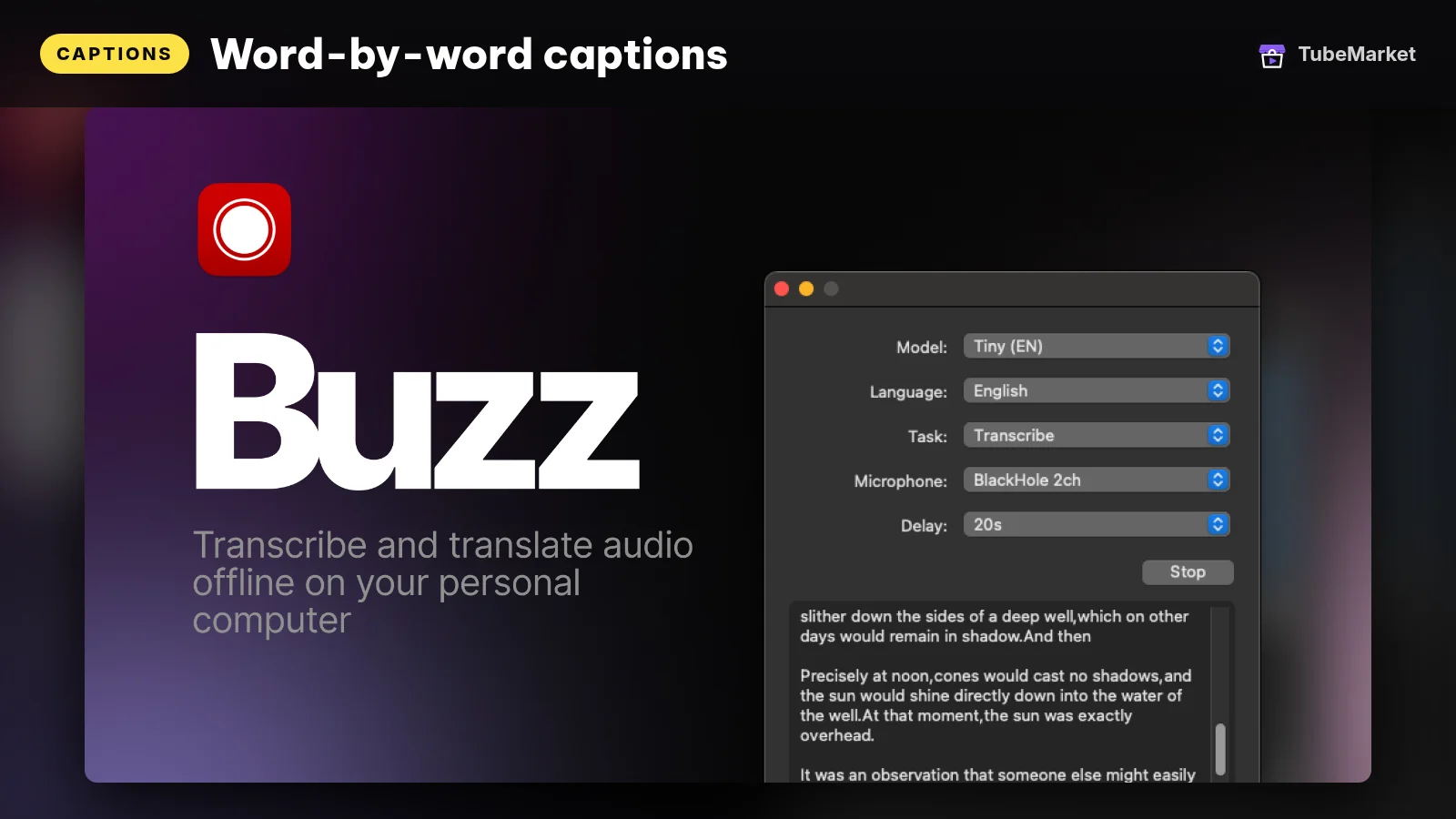

Buzz transcribes and translates audio offline, powered by Whisper. GitHub lists the license as MIT. The README says it can export TXT, SRT and VTT, identify speakers, separate speech before transcription, and use more than one Whisper backend, including whisper.cpp. The current macOS build requires Apple silicon. The README says the last version that supports Intel Macs is 1.4.5.
- Pros: an SRT or VTT you can upload, from a desktop app, without writing a script.
- Cons: an SRT is the toggleable track. It will not carry the word-highlight look. YouTube's file page says SubRip markup is not recognized, and that the file must be plain UTF-8.
8. Whisper-WebUI: subtitles in a browser on your machine
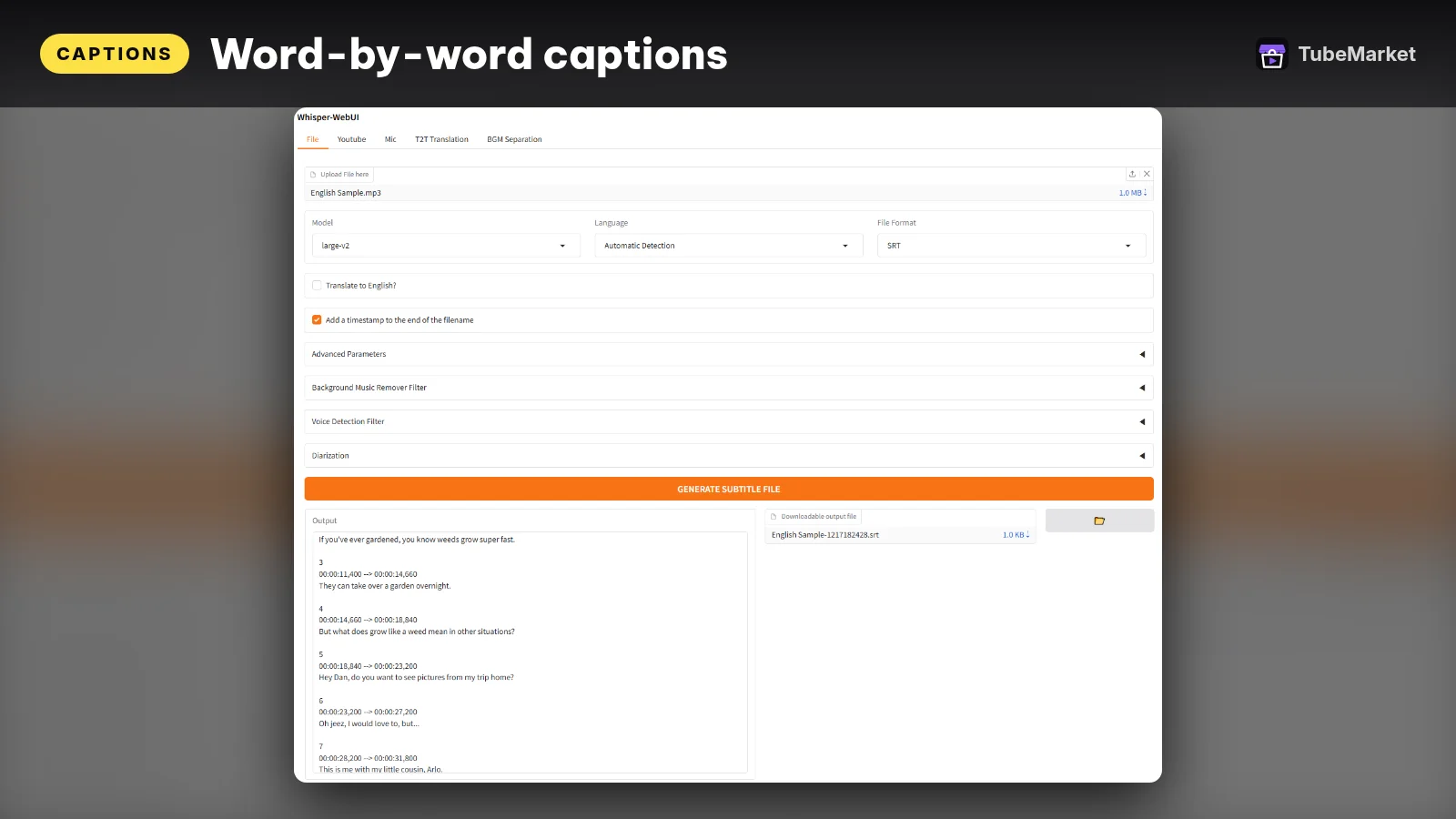

Whisper-WebUI is a Gradio interface. GitHub lists the license as Apache-2.0. The README says faster-whisper is the default engine, with openai/whisper and insanely-fast-whisper as other choices. It lists SRT, WebVTT and plain text as subtitle formats, and files, YouTube and a microphone as inputs. Speech-to-text translation into English uses Whisper. A separate text translation step can use NLLB or a DeepL API. Speaker diarization uses pyannote and, the README says, needs a Hugging Face token plus accepting the terms on the pyannote model pages it links.
- Pros: you can try SRT, WebVTT and a translation without a desktop install.
- Cons: a YouTube URL as input is only legitimate for a video you have the right to process. DeepL is that company's API, on that company's terms.
9. auto-subtitle: generate and overlay in one command
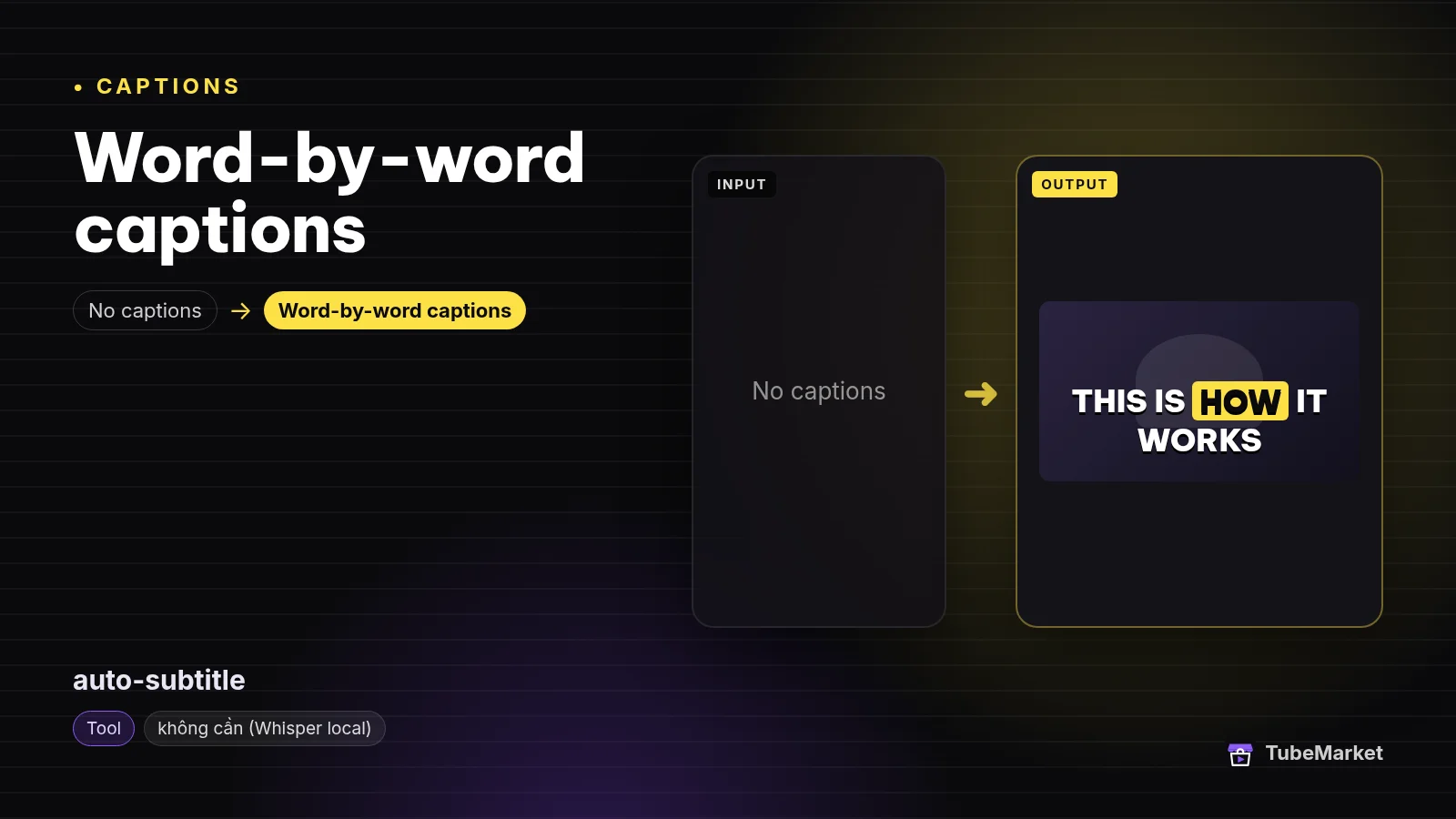

auto-subtitle uses ffmpeg and OpenAI Whisper to generate and overlay subtitles. The README says the script is MIT. The default model is small. --task translate translates the subtitles into English. The command writes a new video with the overlay burned in.
- Pros: one command from a file to a captioned video.
- Cons: the overlay is a burn, with this project's style, not the Vietnamese preset in word-captions. The default
smallmodel is a choice the README states. It is not a claim thatsmallis enough for every language.
10. VideoLingo: translation, segmentation, optional dub
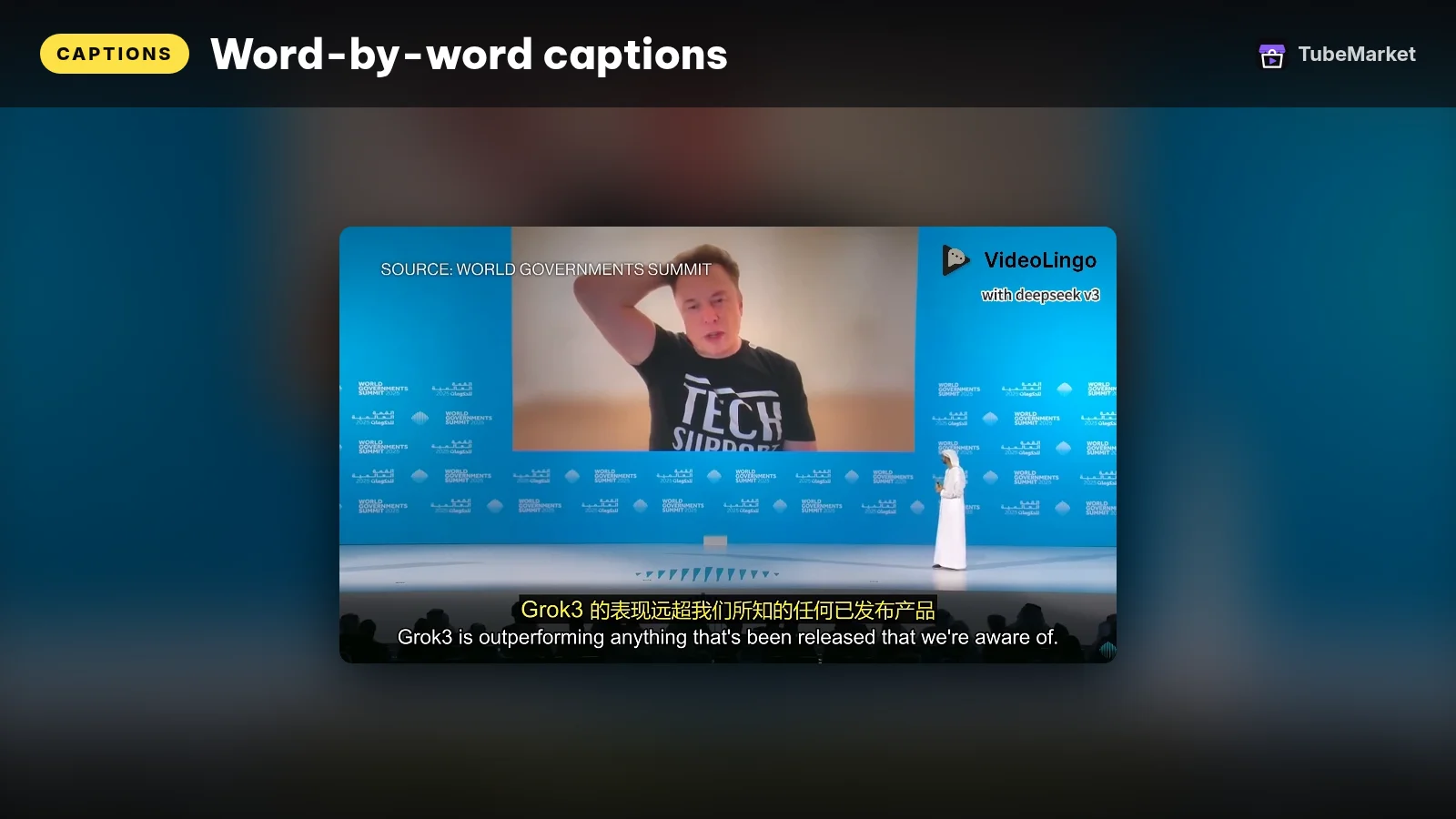

VideoLingo is Apache-2.0. The GitHub repository description calls the subtitle work "Netflix-level" cutting, translation, alignment and dubbing. That is the project's wording, not a quality score. The README describes a Streamlit app that combines speech recognition, subtitle translation, segmentation and optional dubbing, and it says translation quality depends on the source audio, the language and the models you pick. It lists a YouTube download via yt-dlp.
- Pros: one project when the job is a translated subtitle, not only a same-language burn.
- Cons: "Netflix-level" is a slogan. Read the line in your target language before you publish it. Download only videos you have the right to process. A translated copy of someone else's video is not an original episode. YouTube's monetization policies address reused content.
11. pyVideoTrans: translate, dub and embed, under GPL
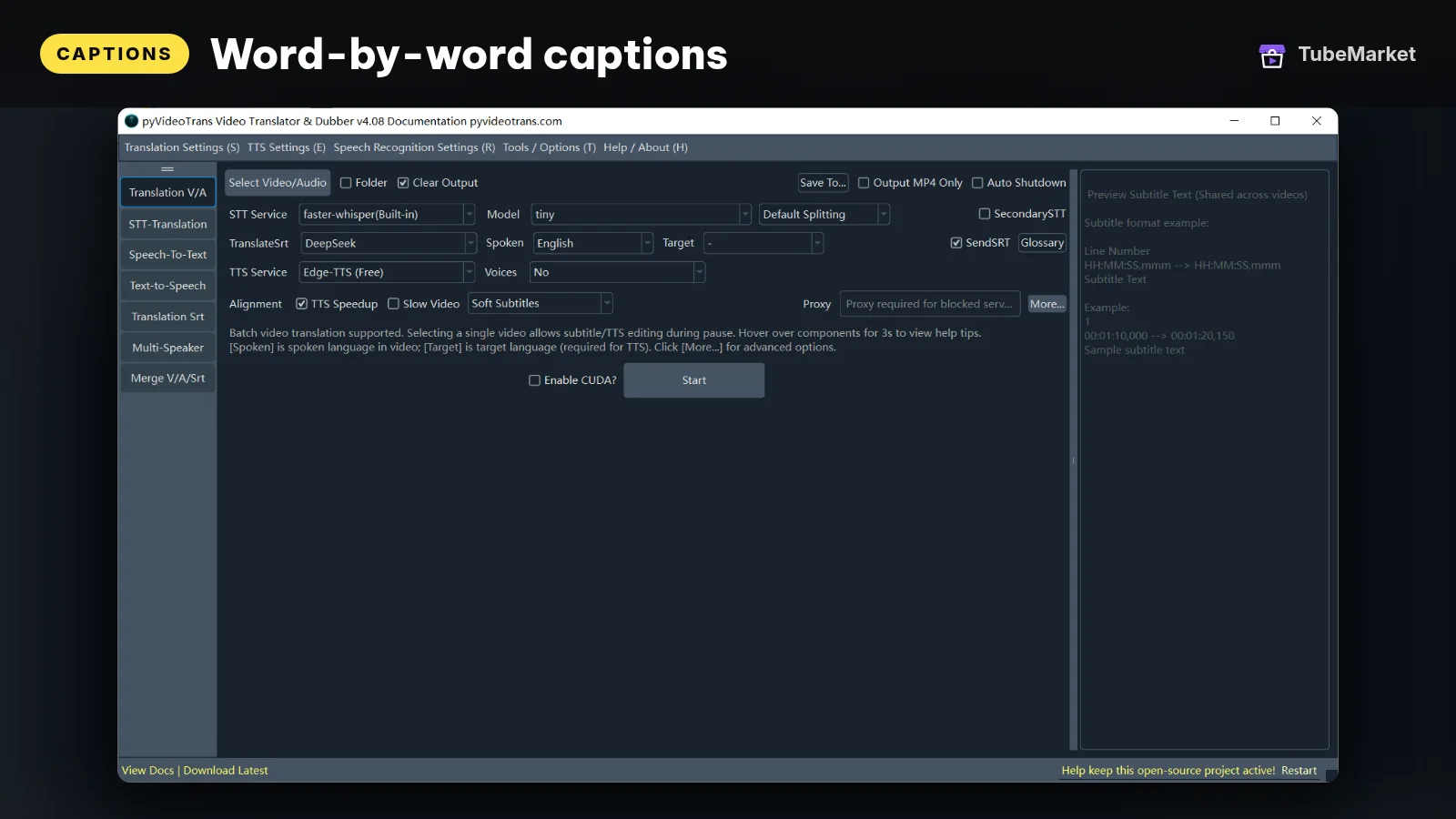

pyVideoTrans describes itself as a video translation, transcription, dubbing and subtitle tool. GitHub lists the license as GPL-3.0, and the repository LICENSE is the GNU GPL version 3. The GitHub description says it translates a video from one language to another and embeds dubbing and subtitles.
- Pros: a full translate-and-embed path, with the license written down.
- Cons: GPL-3.0 is copyleft for the program. Keep the license if you ship the tool. The embedded subtitle is still yours to proofread. A dubbed translation of a video you do not own is the same reused-content problem as above.
12. video-subtitle-remover: erase a burn you are allowed to replace
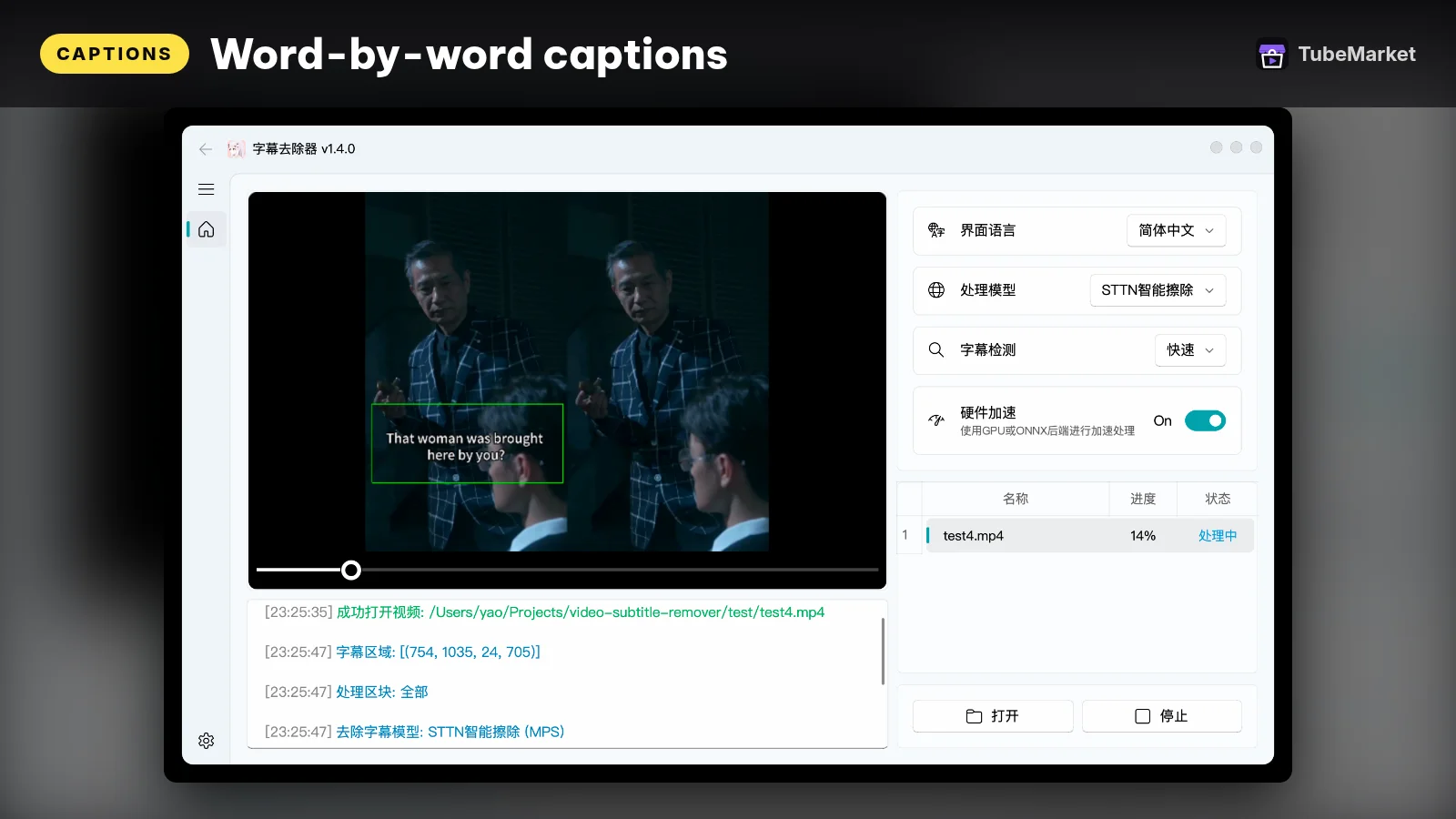

video-subtitle-remover removes hardcoded subtitles. The English README says it is AI-based, Apache-2.0, and that it fills the area where the text was. It can limit the removal to a region you pass in, or try the whole frame. Use it when the burn is on footage you have the right to edit: your own export with a caption style you want to replace, or a watermark on a file whose license allows the edit.
- Pros: a way back from a bad burn, without re-editing the whole timeline, when you own the file.
- Cons: stripping captions off someone else's video so you can reupload it is not a caption workflow. It is a rights problem. The inpaint can leave artifacts. Watch the frames.
13. Kokoro-TTS-Subtitle: timings when you start from a script
Read text aloud and export timed SRT subtitles
 Kokoro-TTS-Subtitle · by NeuralFalcon
Reads your script aloud with Kokoro voices and exports a time-synced SRT subtitle file alongside the audio, handy for faceless Shorts. Free Hugging Face Space; no API key.
For: Voiceover, Captions · Faceless storytelling, Shorts
Some faceless videos have no camera file. The voice is generated. Kokoro-TTS-Subtitle reads text with Kokoro and exports an SRT whose timings follow that audio. The TubeMarket listing records the license as Apache-2.0. The voice models themselves are ranked in Best AI voiceover tools for faceless YouTube.
- Pros: the read and the subtitle come from the same pass, so the track matches the voice you will publish.
- Cons: it is a hosted Space. A long weekly queue belongs on a local voice plus the local transcriber. If you later change the audio, throw the SRT away and time the new take.
14. stable-ts: paused, and the repo is archived
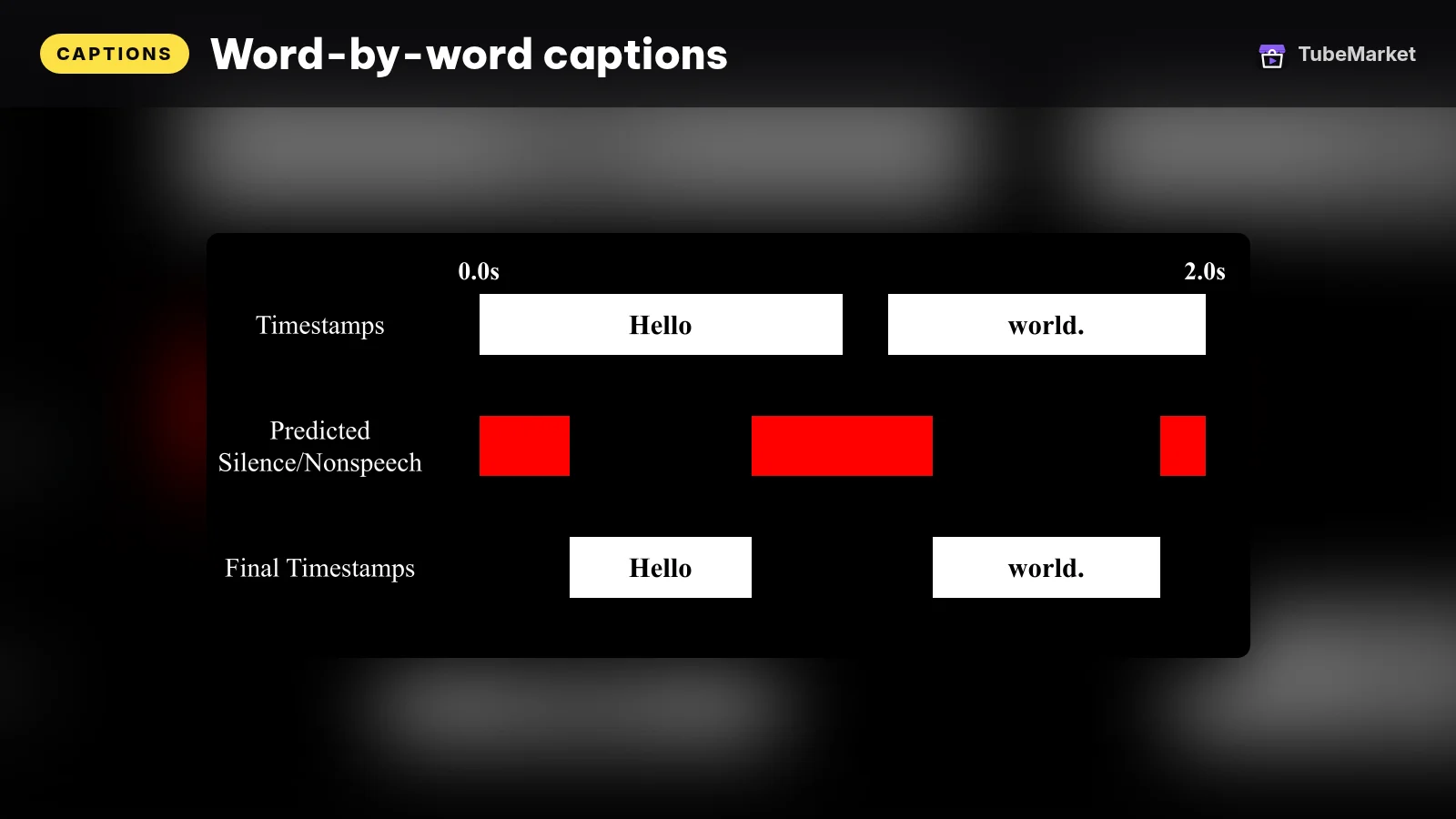

stable-ts modifies Whisper for timestamps, alignment and regrouping. GitHub lists the license as MIT and marks the repository archived. The README says development is indefinitely paused. The page says the library produces more reliable timestamps. That is the project's description, not a result we measured.
- Pros: a known timestamp tool, still on the shelf, with a written license.
- Cons: an archived repo is a poor base for a weekly channel. Prefer faster-whisper or WhisperX unless you already depend on this one and have pinned a commit.
15. Subgen: subtitles for a media library
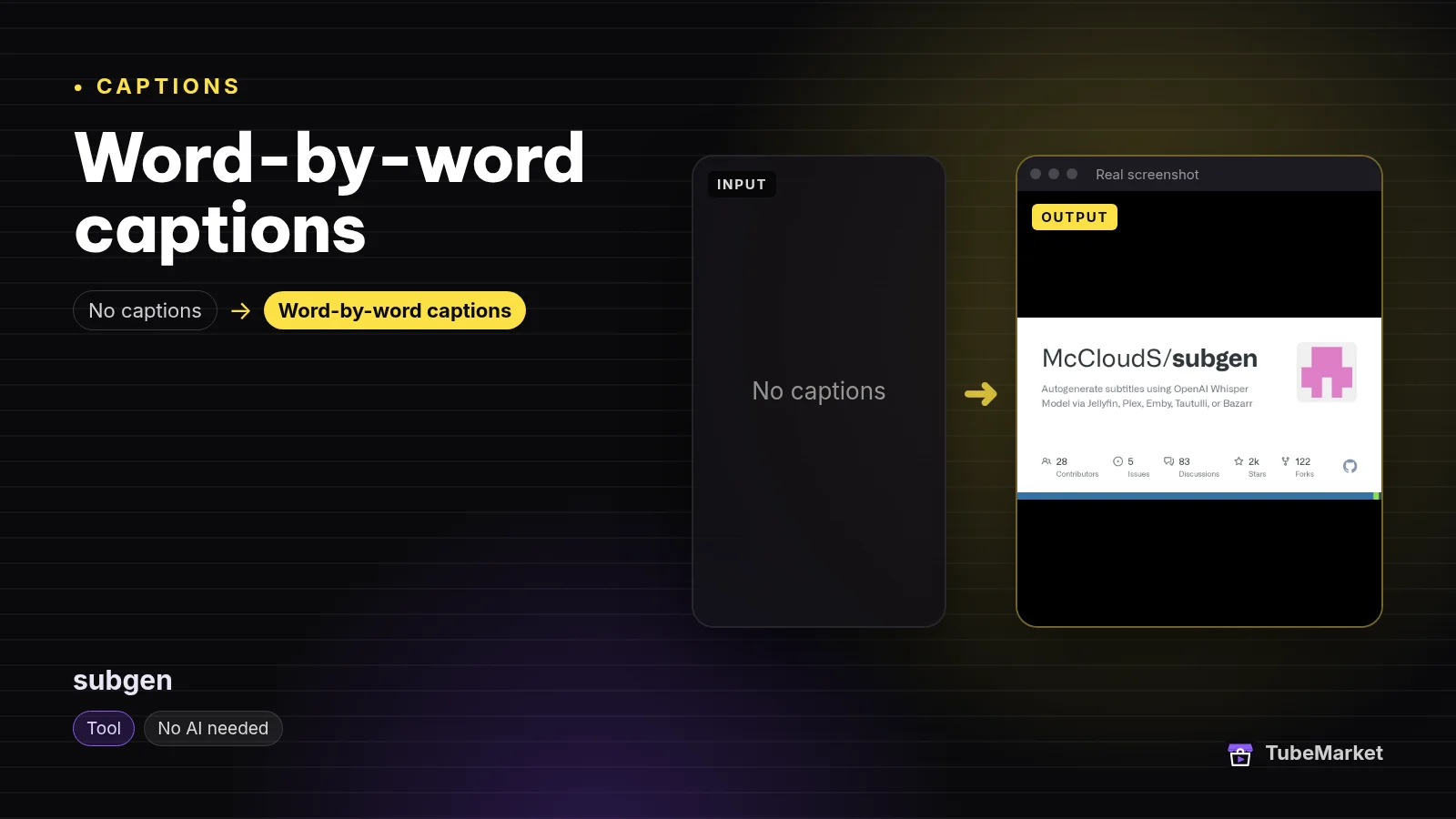

Subgen autogenerates subtitles for a library. GitHub lists the license as MIT. The description names Jellyfin, Plex, Emby, Tautulli and Bazarr. The README says it uses stable-ts and faster-whisper. That is a media-server job, not an upload to YouTube Studio.
- Pros: a webhook path when the files already live in Plex or Jellyfin.
- Cons: it sits on stable-ts, which is archived. A YouTube caption track is a different export. Do not point it at a library of videos you do not have the right to transcribe.
16. Remotion captions: type inside a coded video

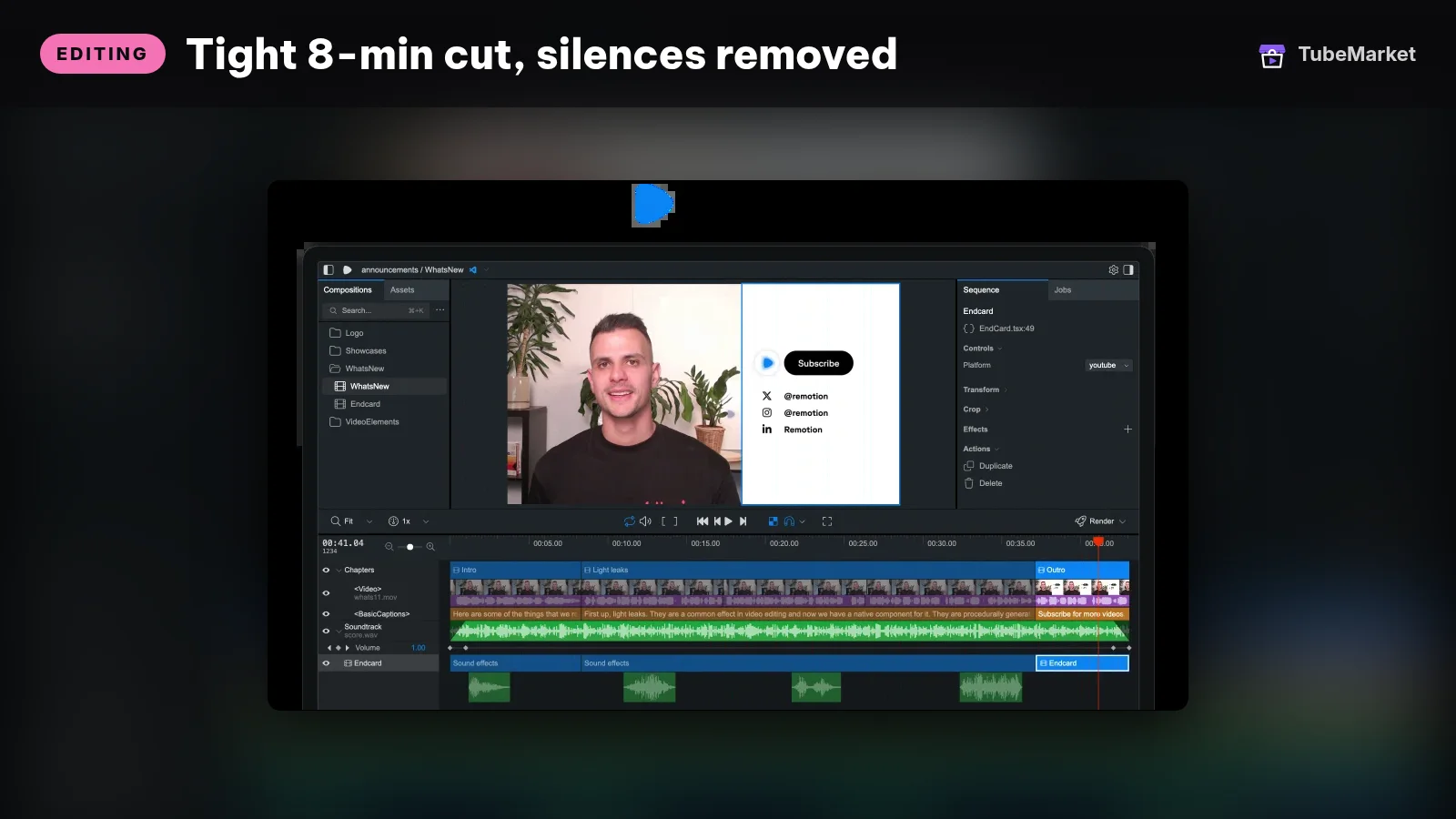
Remotion's agent skills include /remotion-captions, which the README describes as guidance for captions and subtitles. GitHub does not show an SPDX license for that skills repository. The renderer is Remotion. Its license lets individuals, non-profits, and for-profit organizations with up to 3 employees use it for free, including commercial videos. Larger for-profit companies need a company license. Use this pair when the caption is part of a chart or a title card you already build in code, which is the job covered in Best AI B-roll tools for faceless YouTube.
- Pros: the words and the diagram share one timeline.
- Cons: it does not transcribe a talking video. The company-size rule is a real gate. The skills repo's license is not stated on GitHub.
Browser spaces, if you only need a test
Three Hugging Face spaces sit on the shelf beside the tools above. The official Whisper demo uses the MIT model. The listing says the Space itself has no separate license. autosubs burns hard subtitles with Whisper and moviepy. The listing says to read that Space's README before you package it. Whisper Auto Subtitled Video Generator has no license on the listing. Ask the author before you ship anything built on it. A Space can be down or queued. It is a test, not the weekly path.
A practical caption workflow
- Decide which output you need. A Short that has to work muted needs a burn. A long video also needs a subtitle file. YouTube's add-subtitles page is the track: upload a file, auto-sync a transcript, or type it. The same page says YouTube can publish automatic captions in the video's default language only, when they are available. Read those. Do not treat them as finished.
- Transcribe the audio you will actually publish. Use local-whisper-transcriber when the next step is a TubeMarket burn. Use Buzz or Whisper-WebUI when you want an SRT or VTT directly.
- Fix names and numbers in the text before you style anything. A highlight on a wrong name is still a wrong name.
- Cut and reframe first if the video is a talking clip. Silence cutting and vertical crop are in Best AI video editing tools for YouTube. Captions burned before the crop can be cut off.
- Burn the on-screen look with word-captions. For a single-command overlay with a different style, auto-subtitle is the other shelf item.
- Upload a plain UTF-8 SRT as well when you want the toggleable track. YouTube's supported-file page recommends SubRip for a basic file and says style markup is not recognized.
- Translate only after the source line is right. VideoLingo or pyVideoTrans belong here, on footage you have the right to translate.
- If the voice is generated, time the captions to that take. Kokoro-TTS-Subtitle does both in one pass. If you re-record a line, re-time it.
Browse the captions stage, or start from faceless storytelling if you want the full stack, not only the words.
How to choose
- Burn or file. Sound-off viewing needs paint in the frame. A subtitle track needs an SRT or another format on YouTube's list. Do both when the video is long enough to be watched either way.
- One speaker or several. A faceless narrator can stop at word timings. A conversation wants WhisperX or the diarization path in Whisper-WebUI, and a Hugging Face token for pyannote.
- Same language or a translation. Whisper's own README says
turbowill not translate. VideoLingo and pyVideoTrans are the shelf items built for a second language. Proofread the translation. - License before the weekly cadence. MIT and Apache listings (Whisper, faster-whisper, whisper.cpp, Buzz, auto-subtitle, Whisper-WebUI, VideoLingo, the TubeMarket skills repo) are the simple set. pyVideoTrans is GPL-3.0. Remotion has a company-size rule. pyannote's diarization model is CC-BY-4.0, per the WhisperX README.
- Local when you publish often. The transcriber, word-captions, faster-whisper, whisper.cpp and Buzz keep the audio on your machine. Spaces are for a test.
Comparison
- local-whisper-transcriber: MIT repo; faster-whisper; word-level JSON; no API key
- word-captions: MIT repo; ffmpeg and libass; word highlight; Vietnamese and English line rules in the skill
- openai-whisper: MIT code and weights; README table lists
largeat 1550 million parameters andturboat 809 million, measured on an A100 - systran-faster-whisper: MIT; CTranslate2; README says up to four times faster and publishes its own benchmark tables
- tb-059: whisper.cpp; MIT; Apple Silicon called out in the README;
-owtskaraoke burn needs ffmpeg - m-bain-whisperx: BSD-2-Clause; word alignment; speaker labels need a Hugging Face token; pyannote model listed as CC-BY-4.0
- tb-058: Buzz; MIT; offline; exports TXT, SRT and VTT; current macOS build is Apple silicon
- tb-057: Whisper-WebUI; Apache-2.0; SRT, WebVTT and text; DeepL is optional and separate
- tb-055: auto-subtitle; MIT; burn via ffmpeg and Whisper; default model
small - huanshere-videolingo: Apache-2.0; translate, segment, optional dub; "Netflix-level" is the repo's own description
- jianchang512-pyvideotrans: GPL-3.0; translate, dub and embed subtitles
- yaofanguk-video-subtitle-remover: Apache-2.0; removes hardcoded subtitles from footage you can edit
- tb-019: Kokoro-TTS-Subtitle; listing says Apache-2.0; hosted Space; SRT from the generated read
- jianfch-stable-ts: MIT; GitHub archived; README says development is indefinitely paused
- mcclouds-subgen: MIT; Plex, Jellyfin, Emby, Tautulli, Bazarr; uses stable-ts and faster-whisper
- remotion-dev-skills / remotion-dev-remotion: caption guidance for coded video; Remotion's free tier stops above 3 employees at a for-profit company
Prices and plans change. Verify them on each project's page.
FAQ
What is the difference between a caption burn and a YouTube subtitle? A burn is pixels in the video. A subtitle is a timed text file YouTube hosts as a track. The add-subtitles help page is about that track. The supported-file page says a basic SubRip file must be plain UTF-8 and that style markup is not recognized. The word highlight in word-captions only exists if you burn it.
Will YouTube's automatic captions do this for me? YouTube's help page says speech recognition can automatically create captions, and that those automatic captions are in the video's default language only. They are a start. They are not a reason to skip the read-through. This page does not quote an accuracy number for them.
What size Whisper model should I use? The Whisper README's table is the public reference, measured on an A100 for English speech, and it says real-world speed varies. turbo is the fast multilingual model on that table, and the README says it is not trained for translation. The TubeMarket transcriber's own notes say to use large-v3 for Vietnamese word timestamps. Listen to your file either way.
Can I caption a faceless video that has no camera? Yes. Generate the voice, then time the captions to that audio. Kokoro-TTS-Subtitle writes the SRT with the read. If you burn with word-captions, transcribe the finished voiceover, not the script you typed. A script and a spoken take are not the same timings.
Does translating a caption make the video mine? No. A translation is a caption job. Ownership of the picture and the audio is a different question. YouTube's monetization policies address reused content. This page does not quote channel revenue.
What if the captions are already burned into a file I own? Remove them with video-subtitle-remover, then burn a clean track. Do not use that tool to strip captions from a video you do not have the right to edit.
Catalog gaps
TubeMarket does not yet list:
- a first-party skill that uploads the SRT to YouTube Studio the way word-captions burns the frame,
- a single export that is both a styled burn and a plain UTF-8 SubRip file from the same word timings,
- a caption check that flags proper names against a list you maintain.
Editing by deleting lines in a transcript is a different job. autocut is ranked in the editing guide.
Sources
- TubeMarket skills repository (MIT): https://github.com/wanghie/tubemarket-skills
- OpenAI Whisper README, model table and MIT license: https://github.com/openai/whisper
- faster-whisper README and MIT license: https://github.com/SYSTRAN/faster-whisper
- whisper.cpp README: https://github.com/ggml-org/whisper.cpp
- WhisperX README, BSD-2-Clause license, and pyannote note: https://github.com/m-bain/whisperX
- pyannote speaker-diarization-community-1: https://huggingface.co/pyannote/speaker-diarization-community-1
- Buzz README: https://github.com/chidiwilliams/buzz
- Whisper-WebUI README: https://github.com/jhj0517/Whisper-WebUI
- auto-subtitle README: https://github.com/m1guelpf/auto-subtitle
- VideoLingo README and Apache-2.0 license: https://github.com/Huanshere/VideoLingo
- pyVideoTrans README and GPL-3.0 license: https://github.com/jianchang512/pyvideotrans
- video-subtitle-remover English README: https://github.com/YaoFANGUK/video-subtitle-remover/blob/main/README_en.md
- stable-ts README: https://github.com/jianfch/stable-ts
- Subgen README: https://github.com/McCloudS/subgen
- Remotion agent skills: https://github.com/remotion-dev/skills
- Remotion license: https://github.com/remotion-dev/remotion/blob/main/LICENSE.md
- Kokoro-TTS-Subtitle space: https://huggingface.co/spaces/NeuralFalcon/Kokoro-TTS-Subtitle
- YouTube Help, add subtitles and captions: https://support.google.com/youtube/answer/2734796?hl=en
- YouTube Help, supported subtitle files: https://support.google.com/youtube/answer/2734698?hl=en
- YouTube, channel monetization policies: https://support.google.com/youtube/answer/1311392
- TubeMarket listings used above: local-whisper-transcriber, word-captions, openai-whisper, systran-faster-whisper, tb-059, m-bain-whisperx, tb-058, tb-057, tb-055, huanshere-videolingo, jianchang512-pyvideotrans, yaofanguk-video-subtitle-remover, tb-019, jianfch-stable-ts, mcclouds-subgen, remotion-dev-skills, remotion-dev-remotion, tb-022, tb-021, tb-020, mli-autocut
- Related posts: Best AI voiceover tools for faceless YouTube, Best AI video editing tools for YouTube, Best AI B-roll tools for faceless YouTube, Turn a talking video into a vertical short