Best AI B-roll Tools for Faceless YouTube (2026)
Ranked picture tools for faceless YouTube: shot prompts, stills, short clips, licensed stock and coded diagrams, with the limits that matter if the channel earns money.
By TubeMarket · · b-roll, faceless youtube, flux, video generation
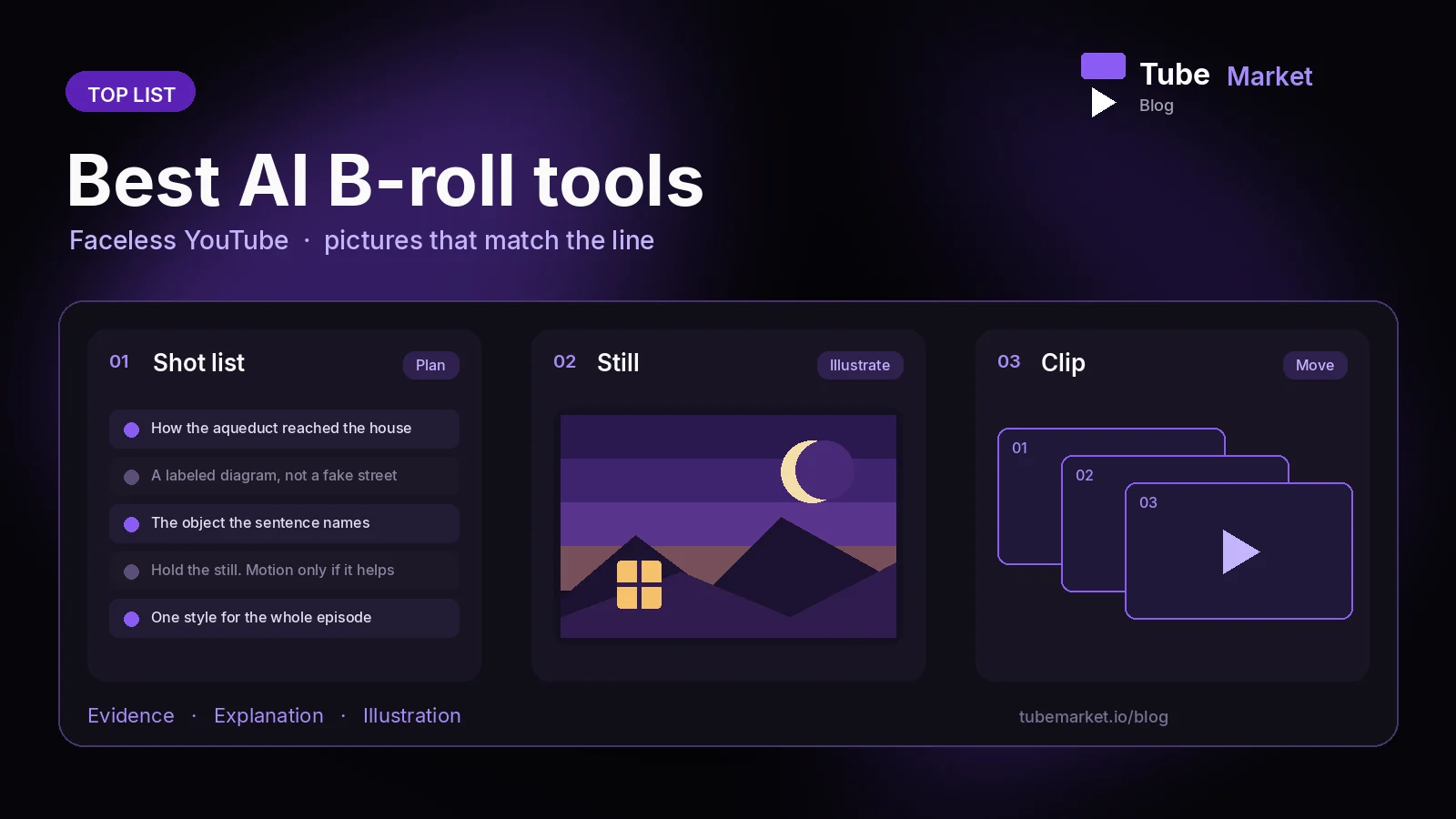
A faceless video is a voice plus pictures. When the pictures do not show what the line is about, the upload becomes a slideshow that could belong to any channel. This guide ranks the B-roll and visual items on the TubeMarket shelf for that job: planning a shot, making a still, making a short clip, pulling stock you are allowed to use, and drawing a diagram in code. It is a fit ranking. It is not a picture-quality test, and it does not quote views or watch time.
We judged each tool on four things:
- Job: does it plan a shot, paint a still, move a clip, fetch stock, or draw a diagram?
- Honesty: can the picture illustrate a line without pretending to be proof?
- Where it runs: on your machine, or through someone else's service
- License: can a channel that earns money use the code and the weights, or do you need to read a limit first
Quick picks
- Plan the shots before you generate anything: B-roll Prompt Director (
broll-prompt-director) - Fast stills, Apache weights: FLUX.1 [schnell] (
tb-023) - Local stills on a small GPU: Fooocus (
tb-065) - Open video clips: Wan2.1 (
wan-video-wan2-1) - Short clips, weights licensed separately: LTX-Video (
lightricks-ltx-video) and the distilled Space (tb-024) - Stock you can check: MoneyPrinterTurbo (
harry0703-moneyprinterturbo) or the Pexels Shorts workflow (tb-001) - Charts, cards and repeatable motion: Remotion (
remotion-dev-remotion) - HTML motion an agent can write: HyperFrames (
heygen-com-hyperframes) - One graph for stills and clips: ComfyUI (
comfy-org-comfyui) - Sharpen a soft still: Upscayl (
tb-067)
The cover image is a different job. Thumbnails are ranked in Best AI YouTube Thumbnail Tools & Skills (2026). The voice that reads the script is ranked in Best AI Voiceover Tools for Faceless YouTube.
TubeMarket catalog, ranked
1. B-roll Prompt Director: the shot list
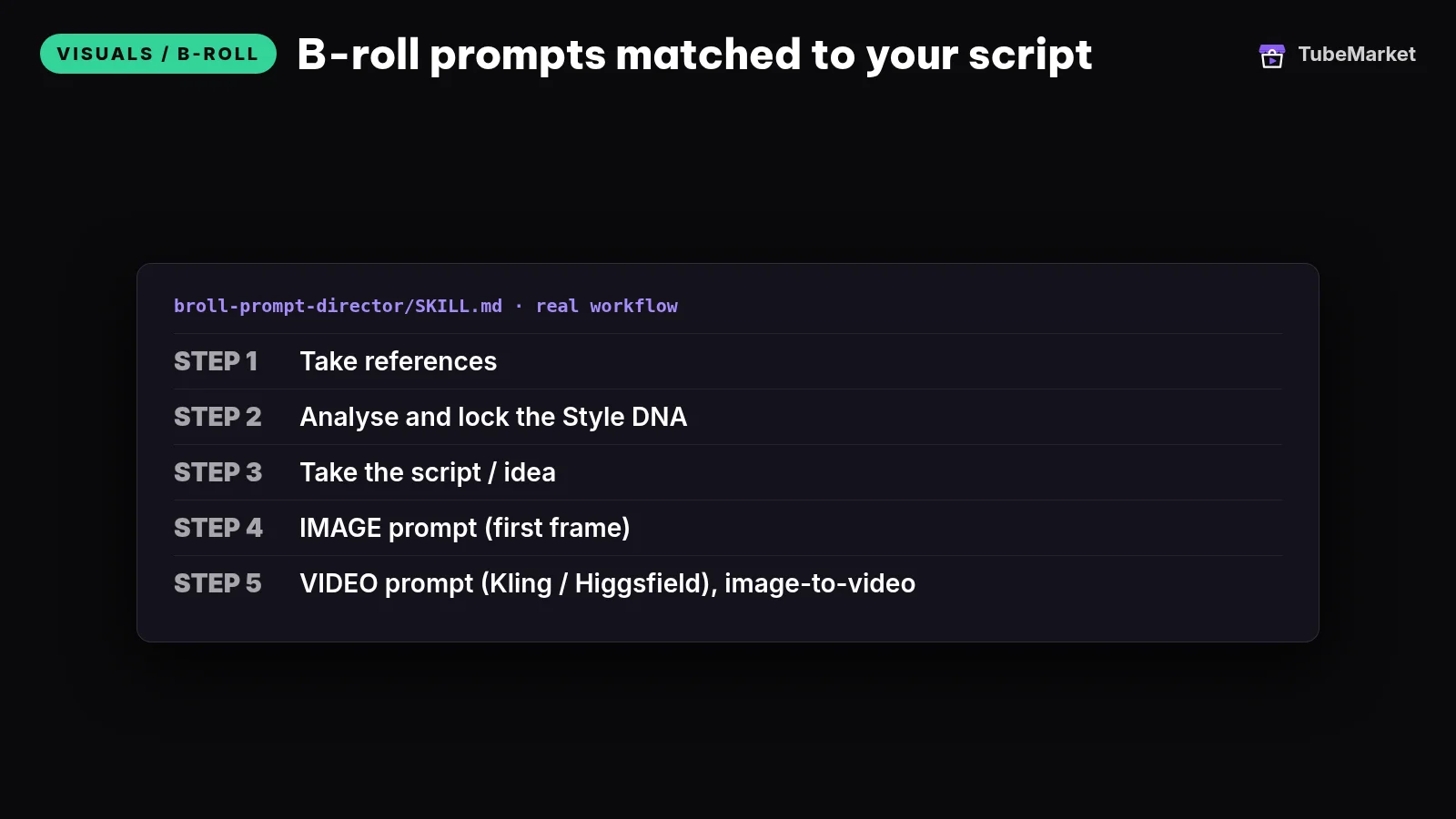
Write B-roll prompts for every line of your script
 broll-prompt-director · by TubeMarket Studio
Writes B-roll prompts matched to each line of your script, ready to paste into your image or video tool. No API key needed.
For: Visuals / B-roll · Faceless storytelling, Talking head
This TubeMarket skill writes prompts. It does not call an image or video API. The listing is MIT. For each beat it writes an image prompt for the first frame and a motion prompt for a short clip, and it asks you to lock one style for the whole video so the shots look like one camera.
- Pros: you decide what the viewer should see before a model spends a run. That is the cheapest fix for random footage.
- Cons: a prompt list is not a file. You still paste it into FLUX, Fooocus, Wan, LTX, or a stock search.
2. FLUX.1 [schnell]: stills for the first frame
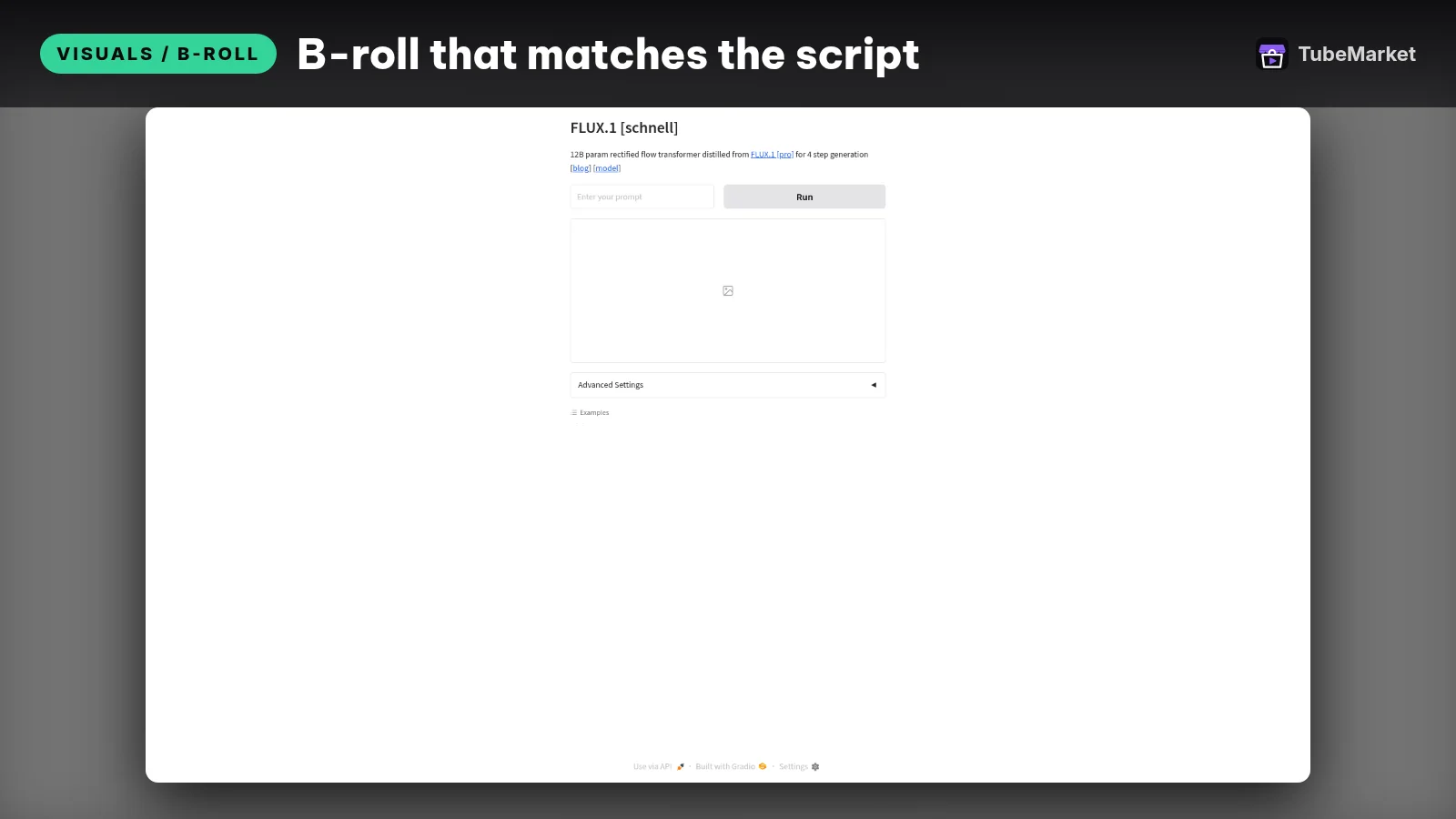
Generate b-roll and thumbnail images fast
 FLUX.1-schnell · by black-forest-labs
Generates images from a text prompt in seconds with FLUX.1 [schnell], good for B-roll stills and thumbnail backgrounds. Free Hugging Face Space; a free HF account helps with usage limits.
For: Visuals / B-roll, Thumbnail · Faceless storytelling, Top list
The FLUX.1 schnell model card describes a 12 billion parameter text-to-image model that can generate an image in 1 to 4 steps, released under Apache-2.0 for personal, scientific and commercial use. The same card says the model is not intended or able to provide factual information. The TubeMarket item is the Hugging Face Space. Faceless explainers use it for the still behind a line: an object, a mood, a scene you will label as illustration.
- Pros: a permissive weight license, and a still you can reject before you animate it.
- Cons: a Space can be down or queued. A generated street is not a photograph of a street that existed. The model card also lists out-of-scope uses, including generating verifiably false information in order to harm others.
3. Fooocus: local SDXL stills
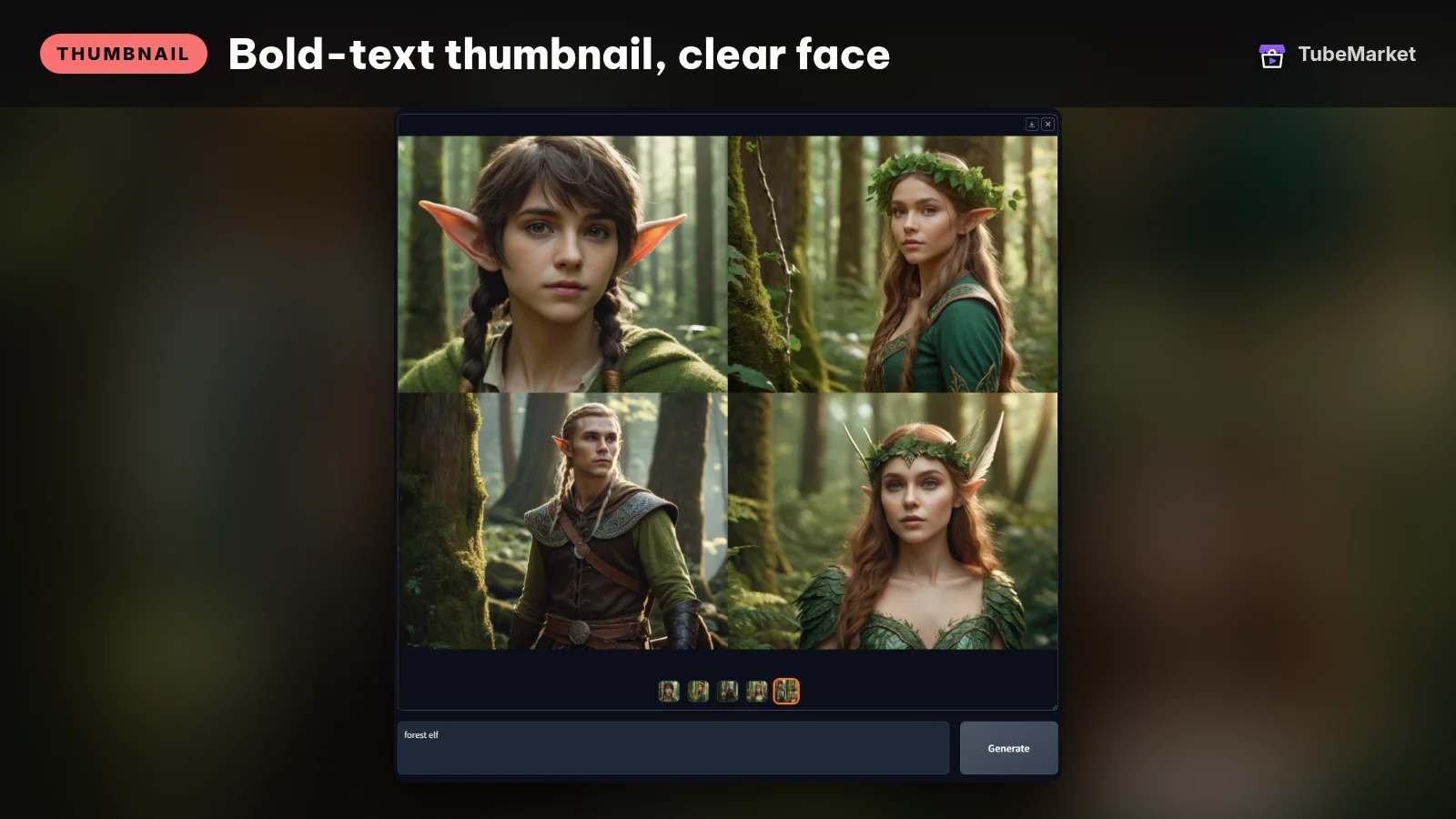

Fooocus is an offline image app. The README says it is built on Stable Diffusion XL, that the project is in limited long-term support with bug fixes only, and that the minimum GPU memory is 4GB on Nvidia. GitHub lists the code license as GPL-3.0. The README says there are no current plans to leave the SDXL architecture, and it points people who want newer models such as Flux toward other tools, including ComfyUI. In the paragraph warning about fake paid websites, the README calls Fooocus a non-commercial open-source project.
- Pros: prompts stay on your machine. Useful when a hosted Space is the wrong default for a weekly upload.
- Cons: GPL-3.0 is copyleft for the program. The SDXL weights it downloads have their own license. Read both before a monetized channel depends on them. The project is in maintenance, so it is a poor bet if you need Flux-class stills. Use the FLUX Space or ComfyUI for that.
4. Wan2.1: open clips from a still or a prompt
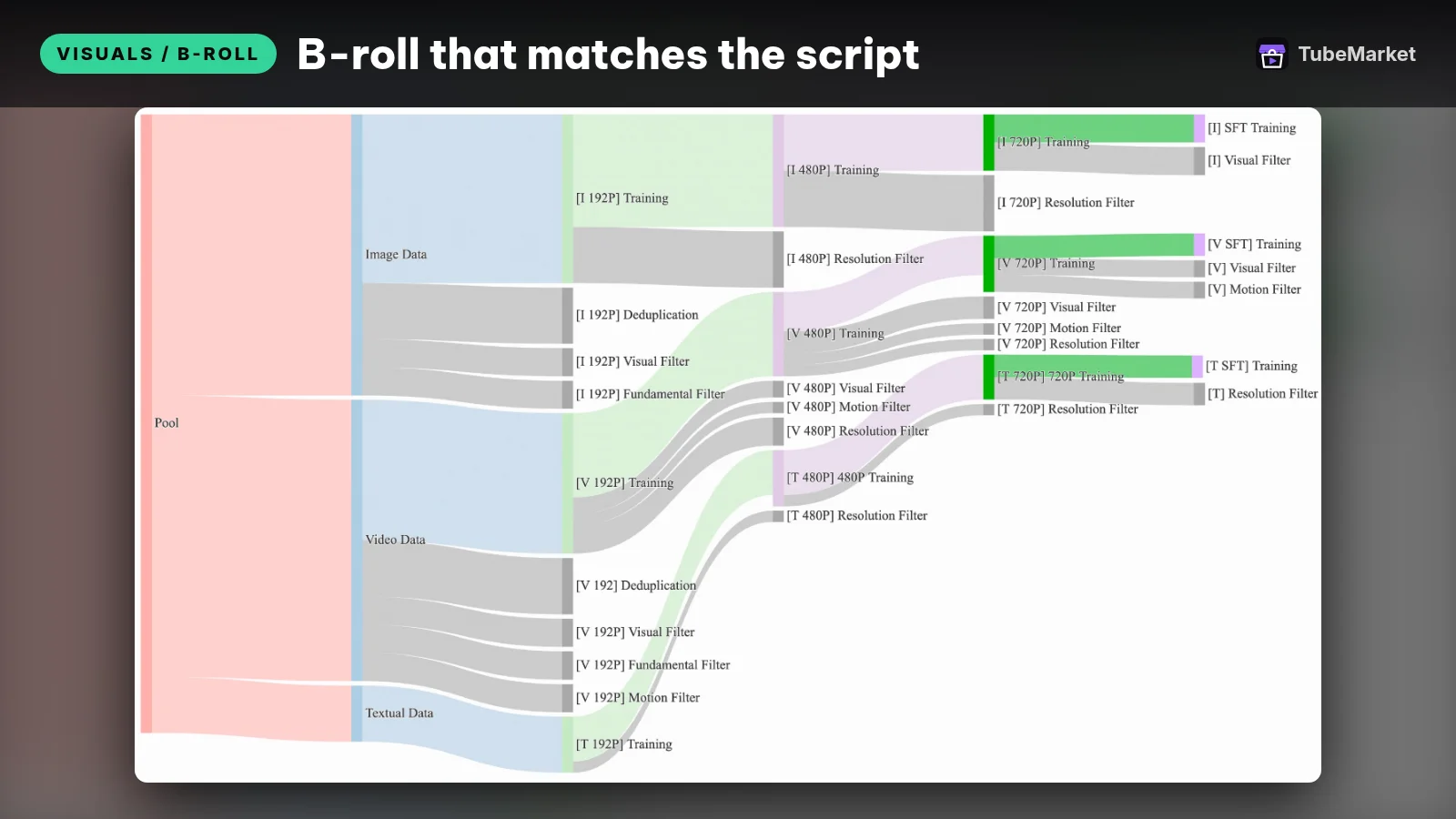

Wan2.1 is an open video suite. The repository LICENSE.txt is Apache-2.0. The T2V-1.3B model card says the models in that repository are under Apache 2.0, and that the project claims no rights over what you generate, while you stay accountable for the output. The README lists text-to-video and image-to-video. It says the 1.3B text-to-video model supports 480P, and the 14B text-to-video model supports 480P and 720P. The 1.3B card says that model needs only 8.19 GB of VRAM, and that a 5-second 480P video on an RTX 4090 takes about 4 minutes without extra optimization such as quantization. Those are the project's figures, not a test we ran.
- Pros: image-to-video lets you lock a FLUX or Fooocus frame first, then ask only for motion. Apache-2.0 on the published models is a clear starting point for a channel that earns money.
- Cons: a generated clip can morph, invent text, or show a place that never existed. Treat it as illustration. The model card forbids using the models to spread misinformation or to harm people. A 14B checkpoint is a heavier machine than the 1.3B card describes.
5. LTX-Video: fast clips, weights licensed apart from the code

Turn text or images into short video clips
 LTX Video distilled · by Lightricks
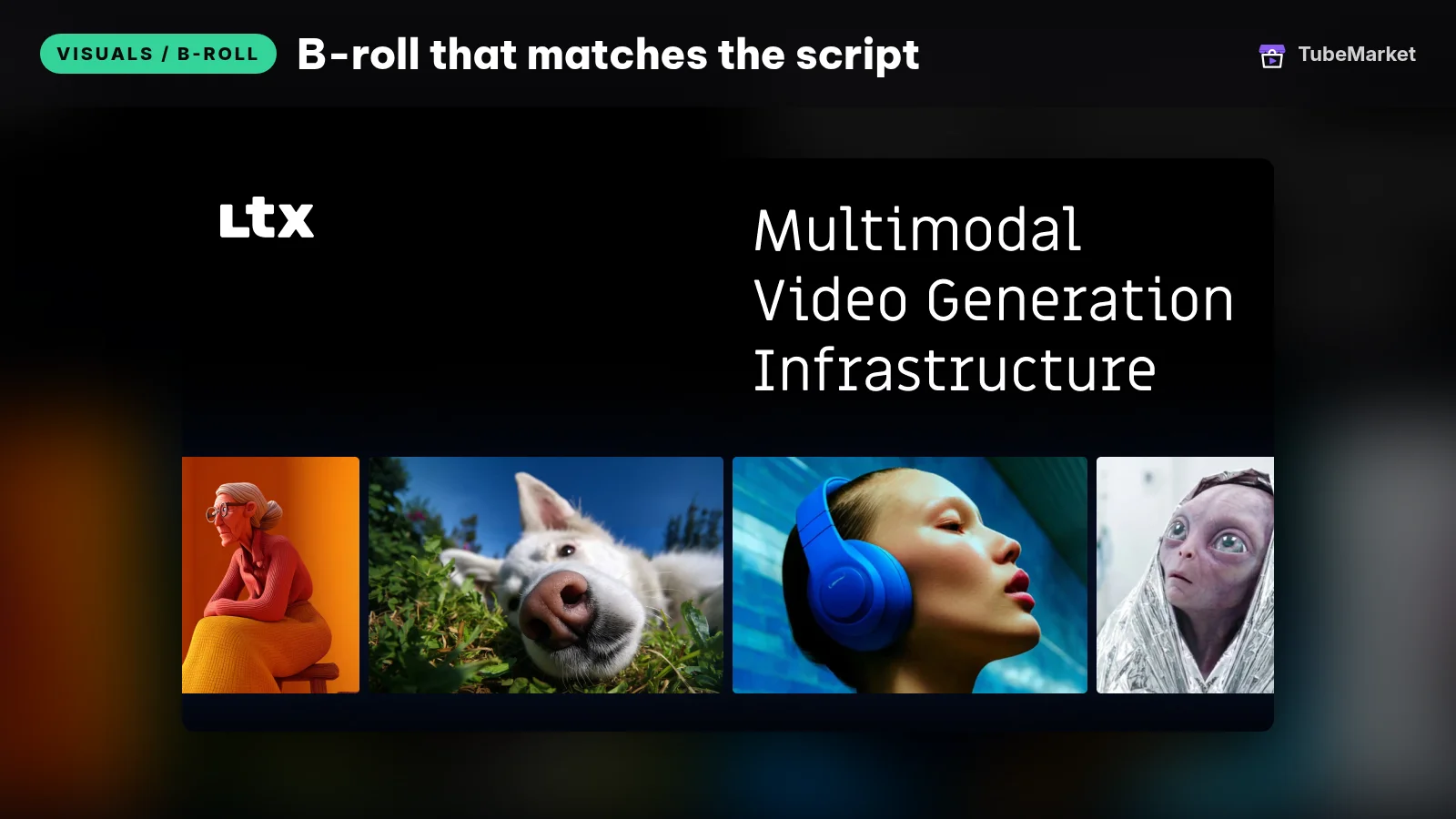
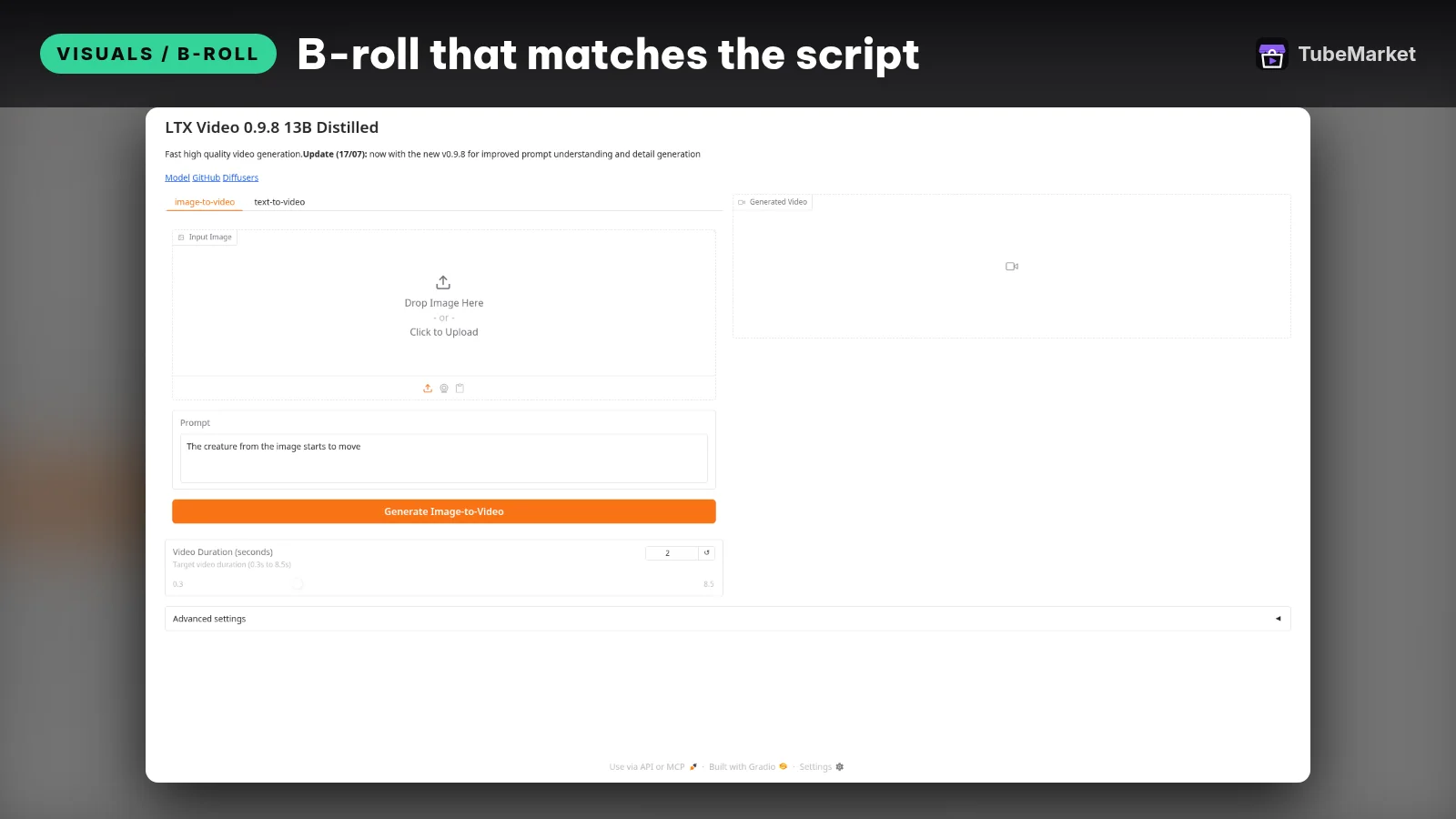
Lightricks' distilled LTX-Video model turns a text prompt or a still image into a short video clip for B-roll or Shorts. Free Hugging Face Space; check the LTXV model license before commercial use.
For: Visuals / B-roll · Faceless storytelling, Shorts
The LTX-Video README licenses the code under Apache-2.0 and says the model weights are licensed separately. The same page says this repository is no longer under active development, and it points new projects at LTX-2.5. That newer line lives in a different repository and is not a TubeMarket listing. The model card lists a license per checkpoint, including an OpenRAIL-M note on an older 2B checkpoint, and it says the model is not intended or able to provide factual information. tb-024 is the distilled Hugging Face Space for short text-or-image clips.
- Pros: a browser Space when you want a short motion test without a local install. Image-to-video again lets the still decide the look.
- Cons: do not assume Apache-2.0 covers the weights. Read the checkpoint license on the model card, and the commercial licensing page, before a monetized channel ships a clip. The shelf item is the older LTX-Video line, not LTX-2.5.
6. Stock footage: real clips inside a pipeline

Make Shorts from a prompt with OpenAI and ElevenLabs
 Generate YouTube Shorts from prompts with OpenAI, ElevenLabs and Pexels · by n8n community
n8n workflow: a form prompt goes to OpenAI for a 60-second script, ElevenLabs voices it, Pexels supplies vertical B-roll, FFmpeg stitches the Short and it uploads to YouTube. Needs n8n plus OpenAI, ElevenLabs and Pexels accounts.
For: Script, Voiceover · Shorts, Faceless storytelling
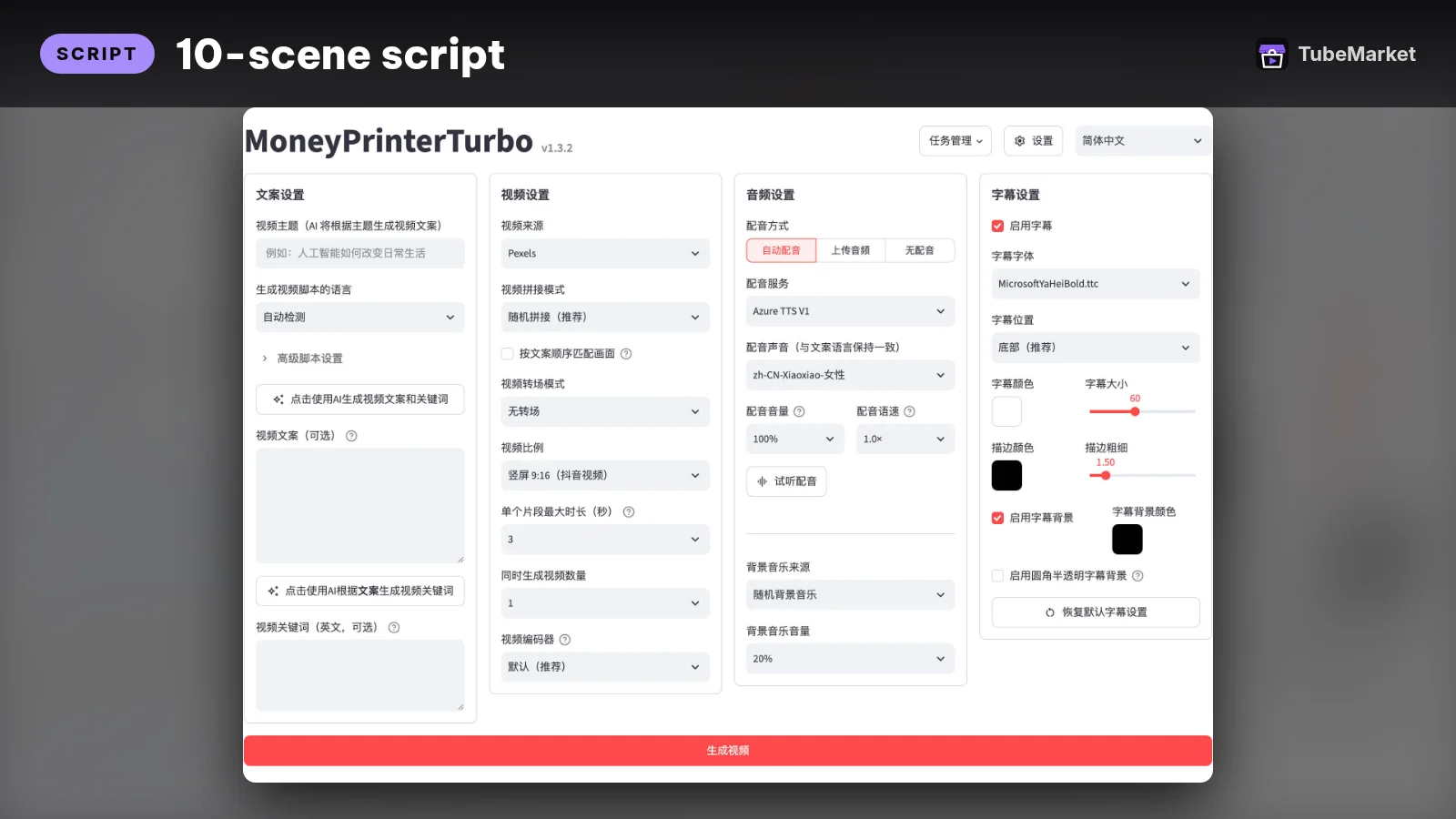
Generated clips are the wrong tool when the line needs a real object, a real place, or a screenshot you captured. MoneyPrinterTurbo is MIT-licensed. Its English README says you can upload your own images and videos, or pull HD stock from Pexels, Pixabay and Coverr, then combine that footage with a script, voice, subtitles and music. The same page lists separate APIs for generated video. The TubeMarket listing records an LLM key plus a Pexels key as what the item expects.
The public n8n workflow Generate YouTube Shorts from prompts is listed as tb-001. The listing says OpenAI writes a short script, ElevenLabs reads it, vertical clips come from Pexels, and FFmpeg stitches the cut. The template is free. Those APIs bill themselves.
Pexels' license says photos and videos on Pexels can be used for free, that attribution is not required, and that you may modify them. It also says you may not sell unaltered copies, put identifiable people in a bad light, imply that a person or brand endorses you, or redistribute the files on another stock platform.
- Pros: a real clip can show a real object in a way a generated street cannot.
- Cons: stock that ignores the line is the original faceless problem. Review every clip. Pexels, Pixabay and Coverr are three licenses, not one. Paid video APIs inside MoneyPrinterTurbo are not free stock.
7. Remotion: diagrams and motion you can defend



Remotion makes video with React. The license lets individuals, non-profits, and for-profit organizations with up to 3 employees use it for free, including commercial videos. Larger for-profit companies need a company license. Use it when the picture is a chart, a comparison card, or a labeled diagram. A generated clip cannot be the source of a number.
Two template repos sit beside it: reactvideoeditor/remotion-templates and ali-abassi/remotion-templates. The TubeMarket listings do not state a license for either pack. Read each repo before you ship a template.
- Pros: the same layout can run every episode, and a chart can show a figure you actually sourced.
- Cons: you still write the scene. Remotion does not invent the B-roll. The company-size rule is a real gate. Template licenses are not stated on the shelf.
8. HyperFrames: HTML to video for agents
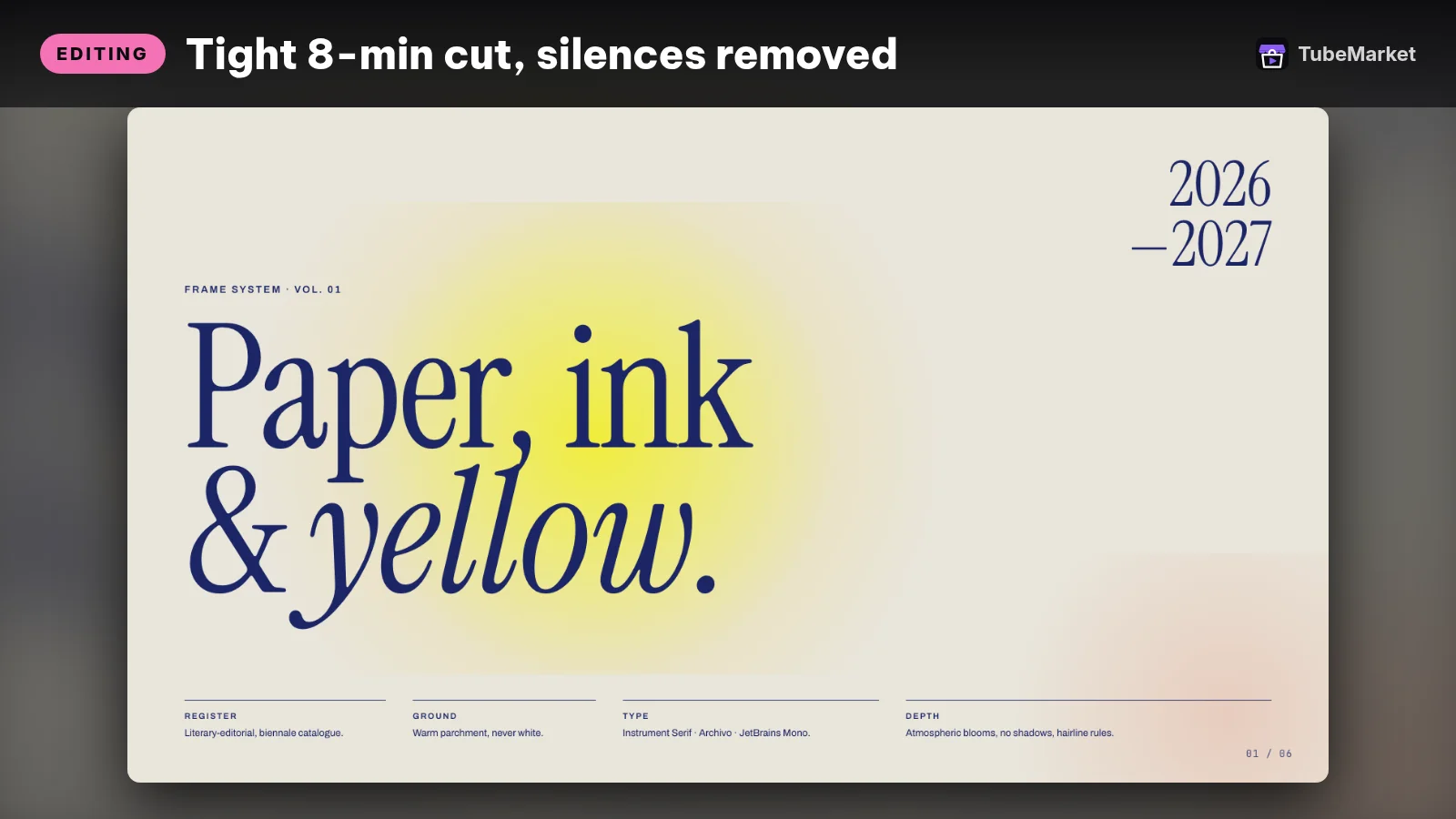

HyperFrames renders HTML, CSS and seekable animation to MP4. The README says the project is Apache-2.0, with no per-render fees or commercial-use thresholds, and that the Studio app is free while a Pro plan adds HeyGen's video, image, voice and music models. It describes a catalog of blocks for transitions, charts, maps and captions. Faceless explainers use it the way they use Remotion: for type, charts and layouts an agent can edit as HTML.
- Pros: Apache-2.0, and an HTML file an agent already knows how to write.
- Cons: it is a renderer, not a footage library. The Pro models sit on HeyGen's own plan. Check current pricing on their site.
9. ComfyUI: the graph underneath
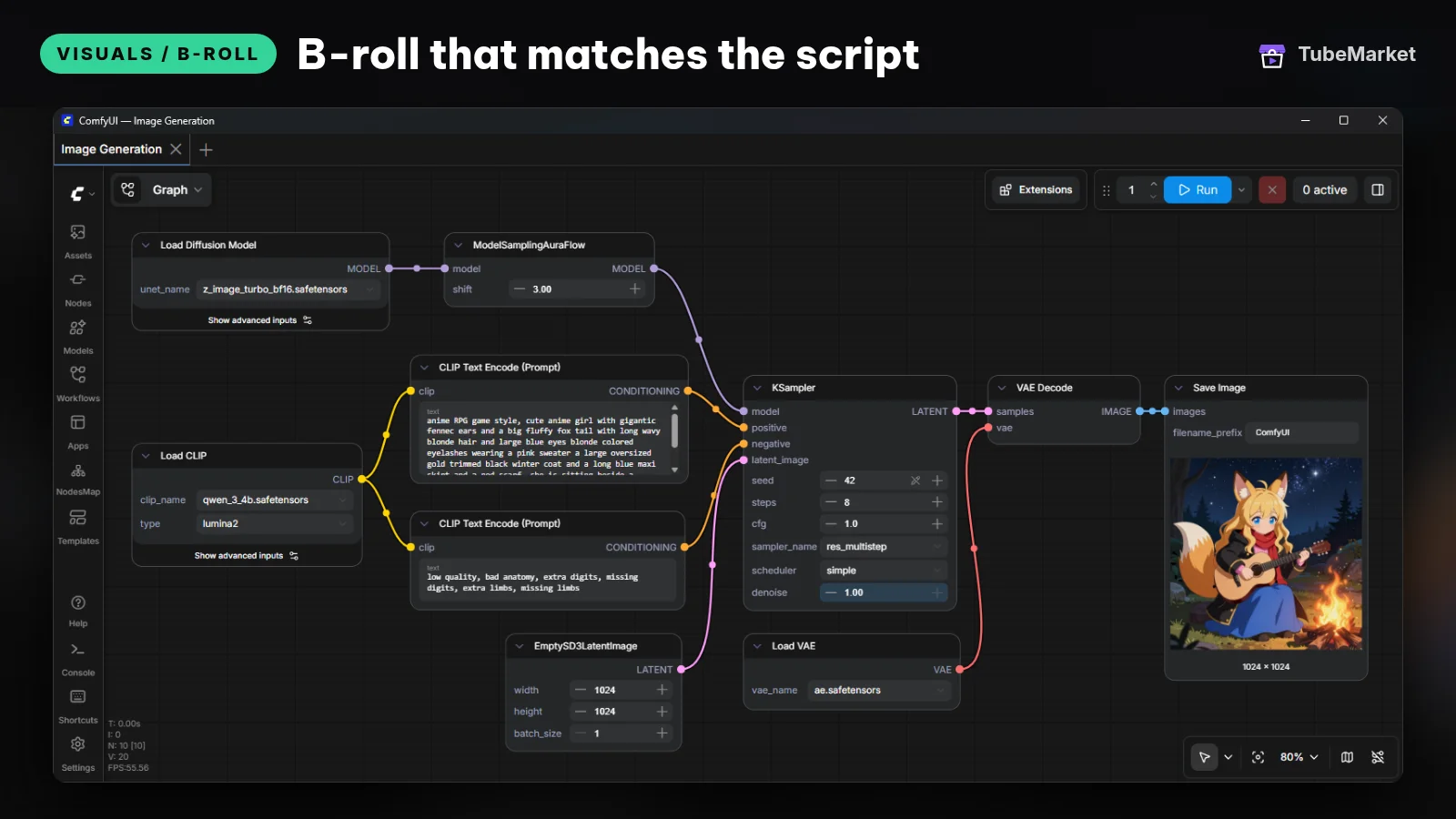

ComfyUI is the node graph behind a lot of still and video workflows. GitHub lists the license as GPL-3.0. Wan and LTX both document ComfyUI workflows. If you outgrow a single Space, this is where a house pipeline lives: load the still, animate, export.
- Pros: one repeatable graph per episode format.
- Cons: GPL-3.0 is copyleft. Link, credit and keep the license if you ship the program. The first week is a learning curve. ComfyUI does not choose which line needs a picture.
10. Upscayl: sharpen the still before the edit
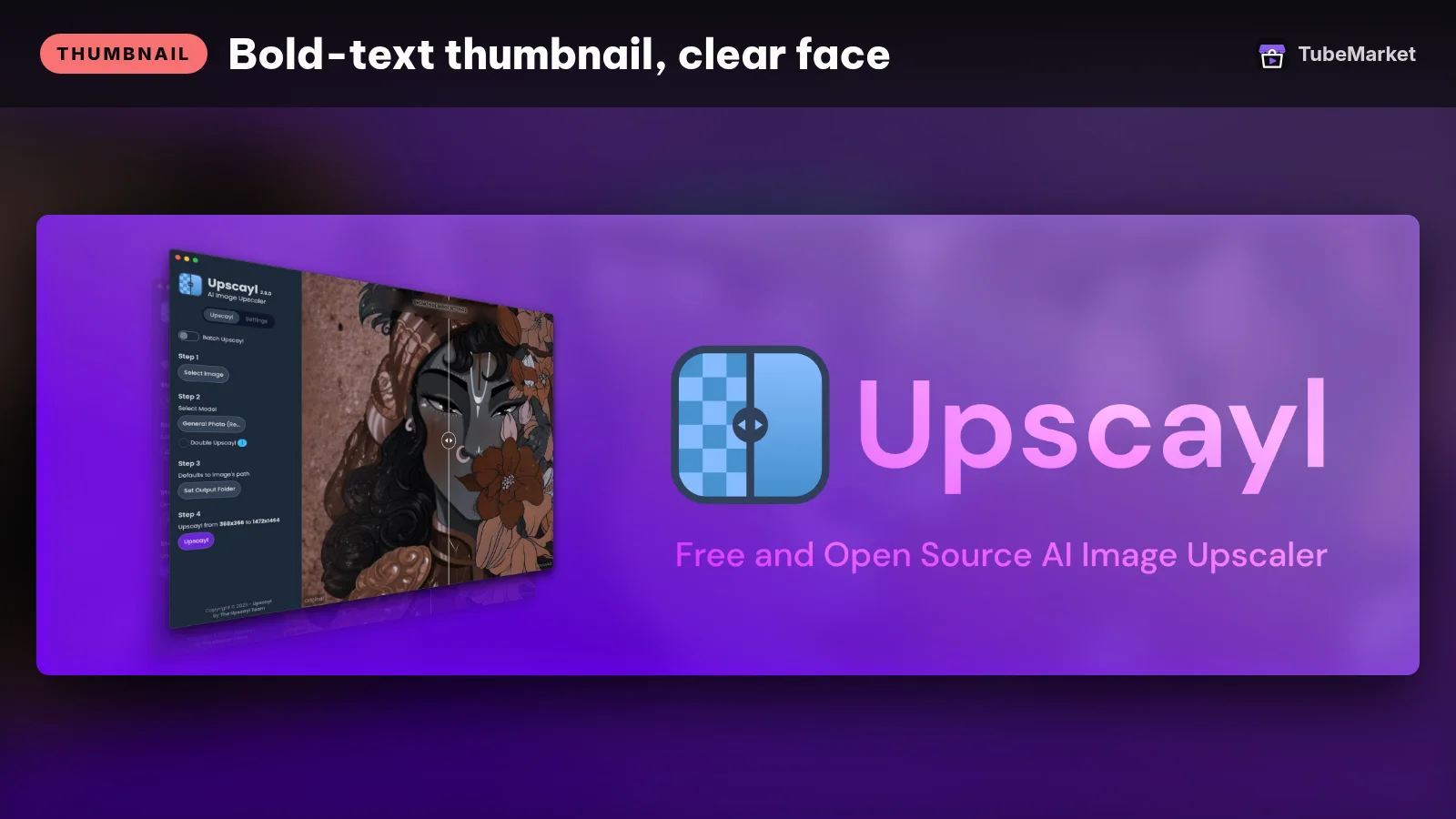

Upscayl is a desktop AI image upscaler. GitHub lists the license as AGPL-3.0 and describes it as a free and open-source upscaler for Linux, macOS and Windows. Use it when a generated still is soft at the size you will upload. It does not invent a better idea. It only changes resolution.
- Pros: local, and aimed at a file you already approved.
- Cons: AGPL is copyleft. Read it if you ship the app, not only the image. Upscaling a wrong picture makes a sharper wrong picture.
A practical faceless B-roll workflow
- Mark every spoken beat as evidence, explanation, or illustration. A screenshot can show a setting you opened. A Remotion chart can explain a number you sourced. A FLUX still can set a mood. A generated scene cannot prove a historical fact. The FLUX.1 schnell model card and the LTX-Video model card both say those models are not able to provide factual information.
- Write the shot list with B-roll Prompt Director. Lock one style for the episode.
- Make the still in FLUX.1 schnell or Fooocus. Drop shots that do not match the line.
- Add motion only when the line needs it. Animate that still with Wan2.1 or LTX-Video. Hold a still when motion would distract.
- Use stock for real objects and places. Pull from a source whose license you have read, such as the Pexels path inside MoneyPrinterTurbo or tb-001.
- Draw numbers and labels in code with Remotion or HyperFrames.
- Upscale soft stills with Upscayl before they go on the timeline.
- Cut the timeline yourself. Silence, zooms and reframing are covered in Best AI video editing tools for YouTube. The voice is covered in Best AI voiceover tools for faceless YouTube. The cover is covered in Best AI YouTube thumbnail tools.
Browse the visuals / B-roll stage, or start from faceless storytelling if you want the full stack, not only the pictures.
How to choose
- Illustration or evidence. If the sentence is a fact, the picture has to come from a source you can name. If the sentence is a mood, a generated still is enough.
- Still first, motion second. A weak first frame becomes a weak clip. B-roll Prompt Director is built around that order.
- License before the weekly cadence. Apache-licensed weights (FLUX.1 [schnell], the Wan2.1 models described on the 1.3B card) are the simple set. LTX weights, the SDXL weights inside Fooocus, Remotion's company rule, and AGPL or GPL apps need a read.
- Local when you publish often. Fooocus, Wan, ComfyUI and Upscayl keep files on your machine. Spaces are for a test, not for a queue you cannot see.
- One style per episode. Ten pretty shots from ten models look like ten channels.
Comparison
- broll-prompt-director: MIT skill; writes image and motion prompts; no API call
- tb-023: FLUX.1 [schnell] Space; model card says 12 billion parameters, 1 to 4 steps, Apache-2.0
- tb-065: Fooocus; offline SDXL app; GPL-3.0 code; README says 4GB Nvidia minimum and limited long-term support
- wan-video-wan2-1: Apache-2.0 repository and 1.3B model card; text-to-video and image-to-video; 1.3B card says 8.19 GB VRAM and about 4 minutes for a 5-second 480P clip on an RTX 4090
- lightricks-ltx-video / tb-024: code Apache-2.0; weights licensed per checkpoint; README points new work at LTX-2.5, which is not listed
- harry0703-moneyprinterturbo: MIT; local uploads or stock from Pexels, Pixabay and Coverr; also calls separate generation APIs
- tb-001: public n8n template; Pexels vertical clips inside a Shorts pipeline
- remotion-dev-remotion: free for individuals and for-profit organizations with up to 3 employees; company license above that
- heygen-com-hyperframes: Apache-2.0 HTML-to-video; Pro plan adds HeyGen models
- comfy-org-comfyui: GPL-3.0 node graph
- tb-067: AGPL-3.0 desktop upscaler
Prices and plans change. Verify them on each project's page.
FAQ
What is B-roll on a faceless channel? The pictures that play while the voice talks. They can be stills, short clips, stock, screenshots or diagrams. They have to match the line. A face is optional.
Can I use AI video as proof? Use it as illustration. The FLUX.1 [schnell] and LTX-Video model cards both say the model is not able to provide factual information. The Wan2.1 1.3B card says you must not use the models to spread misinformation. For a factual claim, show a source you can link.
Do I have to disclose AI B-roll on YouTube? YouTube's altered or synthetic content page requires a disclosure for realistic content, including a realistic scene that did not occur and altered footage of a real event or place. One listed example that needs a disclosure is AI-generated extra footage of a real place. Examples that do not need a disclosure include a non-realistic animation, an infographic made with a generative tool, and extending a backdrop. The page says those lists are not complete. The same page says that disclosing AI content alone will not limit a video's audience or impact its eligibility to earn money.
Will stock footage affect monetization? A license and a monetization decision are different questions. Pexels' license allows free use with the limits above. YouTube's monetization policies address reused content and mass-produced content. A repeatable layout can still be an original episode. A video that is only someone else's clips is a different problem.
What if I already have a talking video? Cutaways on top of a person are a different starting point. Turn a talking video into a vertical short begins with footage. This page begins with a script and an empty timeline.
Catalog gaps
TubeMarket does not yet list:
- a first-party skill that renders the clip the way Cut Silence renders a cut (B-roll Prompt Director stops at the prompt),
- LTX-2.5, which the LTX-Video README now recommends for new projects,
- a stock search that is only a search, separate from a full Shorts pipeline,
- WebUI Forge, which the Fooocus README points to for newer image models.
Portrait tools on the visuals stage, such as SadTalker and LivePortrait, put a face in the frame. They are a different job, so they are not ranked here.
Sources
- FLUX.1 [schnell] model card: https://huggingface.co/black-forest-labs/FLUX.1-schnell
- Fooocus README: https://github.com/lllyasviel/Fooocus
- Wan2.1 repository and Apache-2.0 LICENSE: https://github.com/Wan-Video/Wan2.1
- Wan2.1 T2V-1.3B model card: https://huggingface.co/Wan-AI/Wan2.1-T2V-1.3B
- LTX-Video README: https://github.com/Lightricks/LTX-Video
- LTX-Video model card: https://huggingface.co/Lightricks/LTX-Video
- LTX commercial licensing: https://ltx.io/model/license
- MoneyPrinterTurbo English README: https://github.com/harry0703/MoneyPrinterTurbo/blob/main/README-en.md
- MoneyPrinterTurbo MIT license: https://github.com/harry0703/MoneyPrinterTurbo/blob/main/LICENSE
- n8n Shorts workflow: https://n8n.io/workflows/16419-generate-youtube-shorts-from-prompts-with-openai-elevenlabs-and-pexels/
- Pexels license: https://www.pexels.com/license/
- Remotion license: https://github.com/remotion-dev/remotion/blob/main/LICENSE.md
- HyperFrames README: https://github.com/heygen-com/hyperframes
- ComfyUI: https://github.com/Comfy-Org/ComfyUI
- Upscayl: https://github.com/upscayl/upscayl
- YouTube, disclosing altered or synthetic content: https://support.google.com/youtube/answer/14328491?hl=en
- YouTube, channel monetization policies: https://support.google.com/youtube/answer/1311392
- TubeMarket listings used above: broll-prompt-director, tb-023, tb-065, wan-video-wan2-1, lightricks-ltx-video, tb-024, harry0703-moneyprinterturbo, tb-001, remotion-dev-remotion, reactvideoeditor-remotion-templates, ali-abassi-remotion-templates, heygen-com-hyperframes, comfy-org-comfyui, tb-067, silence-cutter
- Related posts: Best AI YouTube thumbnail tools, Best AI voiceover tools for faceless YouTube, Best AI video editing tools for YouTube, Faceless YouTube: problems, skills, and cases