Faceless YouTube: The Problems to Solve, the Skills to Use, and Real Cases
A practical faceless YouTube workflow: match research, scripting, voiceover, visuals, thumbnails and Shorts problems to real TubeMarket skills, with sourced creator cases.
By TubeMarket · · faceless youtube, youtube skills, voiceover, scriptwriting, automation, case study
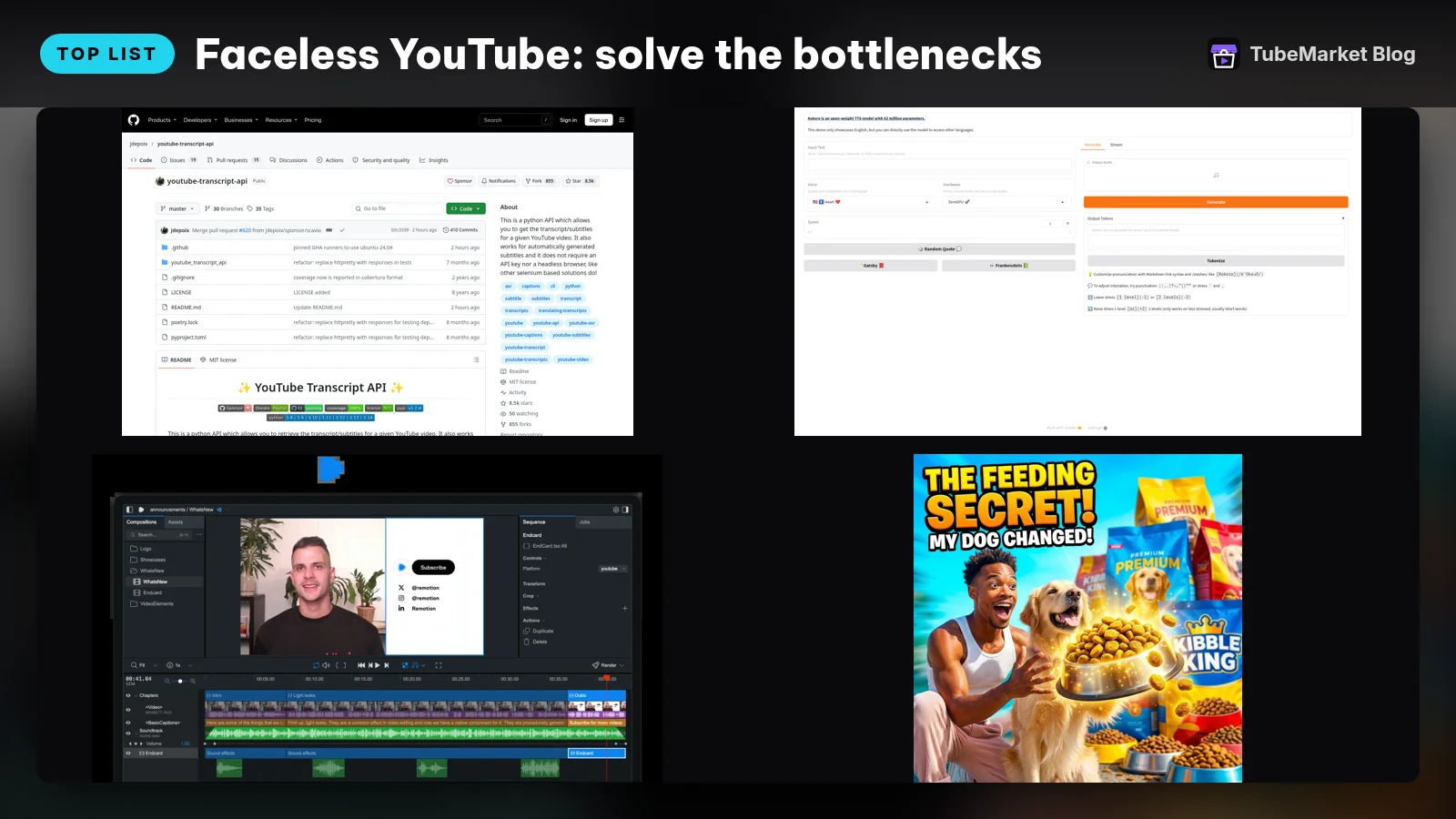
You want to run a YouTube channel without appearing on camera. That removes the presenter shoot. It does not remove the work of finding a worthwhile topic, explaining it clearly, making the voice listenable and giving the viewer something useful to look at.
Do not start by buying a “fully automated channel.” Start with the part of production that is failing. Below, each problem maps to real skills, tools or workflows in the TubeMarket catalog. These are picks by job, not a ranking of channel earnings. The creator cases at the end show specific production decisions, not a promise that you will get the same results.
Quick picks: fix the bottleneck you actually have
- You cannot find a useful angle. Start here: youtube-transcript-api + YouTube Video Summarizer. What you still decide: The audience, source quality and original question.
- Your script sounds like generic AI copy. Start here: Content Engine; Ryuga Novelist for recap stories. What you still decide: The argument, facts and channel voice.
- You need narration without a presenter. Start here: Kokoro or Chatterbox. What you still decide: Voice fit, pronunciation and pacing.
- Your visuals do not explain the script. Start here: B-roll Director + FLUX.1-schnell. What you still decide: What needs evidence versus illustration.
- Every edit starts from scratch. Start here: Shotcut; Remotion for coded layouts. What you still decide: Story order and the final quality check.
- The title and thumbnail promise different things. Start here: YouTube Title skill + Thumbnail Generator. What you still decide: The honest reason to click.
- Your Shorts lose context or crop out the point. Start here: Captions + a reviewed Shorts workflow. What you still decide: Complete ideas and a format-specific layout.
- Files and handoffs keep getting lost. Start here: n8n + Postiz. What you still decide: Approval gates and publishing decisions.
Some catalog entries are agent skills; others are applications, model projects or workflow templates. A card is not a claim that the item can run your channel by itself. Agent skills need a compatible setup, and model projects need their own runtime. Check each listing's requirements and commercial-use terms before building around it. This guide does not quote prices.
1. “I have a niche, but I do not know what to make.”
Use transcript research to find unanswered questions, not scripts to copy
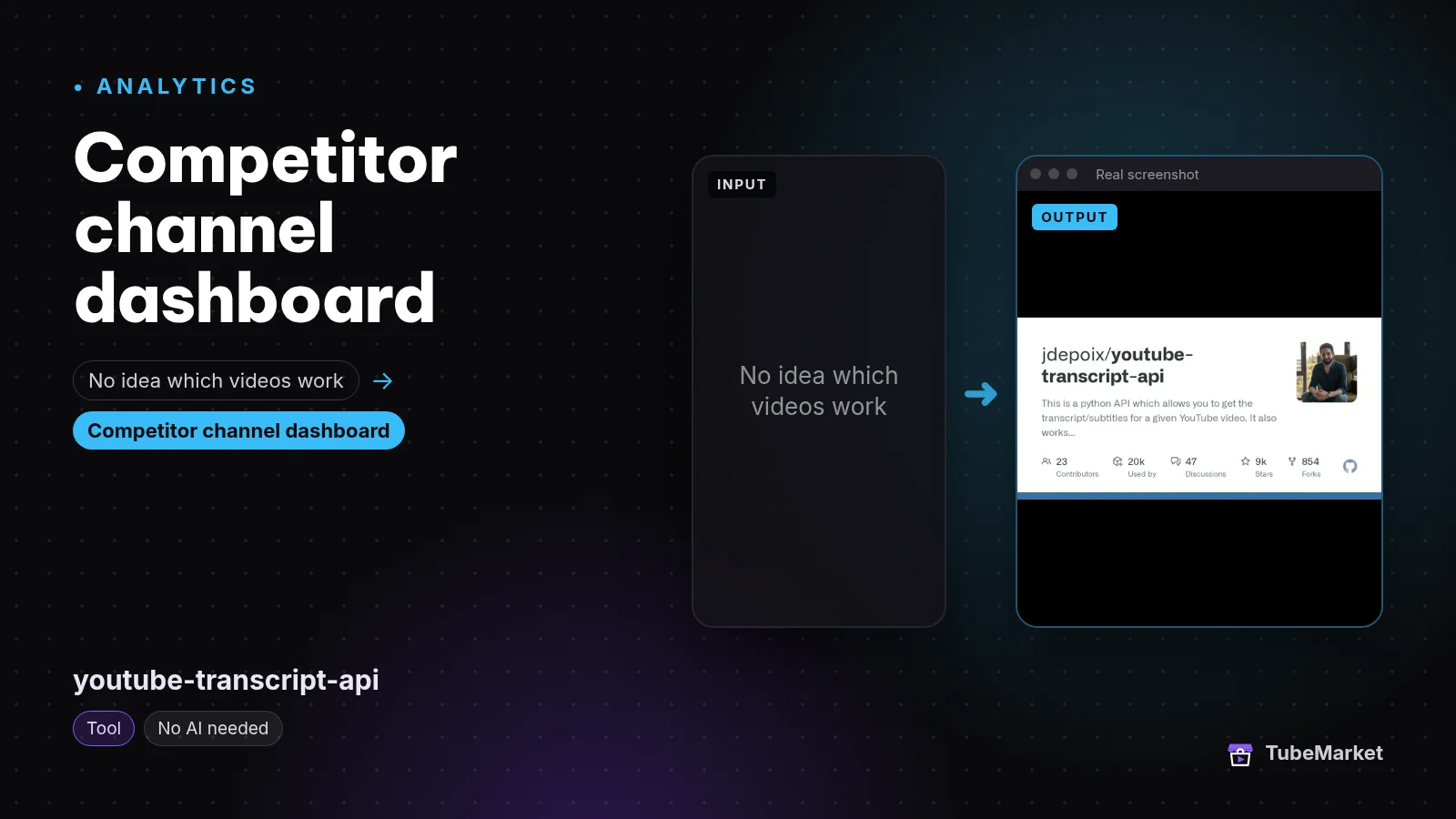
Pull transcripts from any YouTube video
 youtube-transcript-api · by jdepoix
This is a python API which allows you to get the transcript/subtitles for a given YouTube video. It also works for automatically generated subtitles and it does not require an API key nor a headless browser, like other selenium based solutions do!
For: Analytics, Idea · All formats
★ 8.5k GitHub stars

youtube-transcript-api retrieves available YouTube transcripts. YouTube Video Summarizer helps condense reference videos into research notes. Together, they help you inspect how existing videos introduce a topic, what they explain and what they leave unresolved. They do not establish that a niche will make money.
For a faceless history channel, “ancient Rome” is a subject, not an episode. “How did an ordinary Roman household get drinking water?” is a question you can research and illustrate. Look at related videos and comments, then identify what your episode will explain more clearly or support with better sources.
Make this deliverable: a topic brief with the viewer's question, the proposed answer, links to original sources and a rough visual approach. A competitor transcript is evidence of what that creator said, not proof that the statement is true. Transcripts may also be unavailable or inaccurate.
Keep this human: checking demand and choosing a distinct angle. Do not rewrite someone else's transcript and call it original research.
2. “The script is readable, but it says very little.”
Give the writer research and a voice guide before asking for a draft
Content Engine is a voice-and-point-of-view rewriting framework. Its catalog listing is tied to Hiếu's personal voice; adapt the framework to your channel instead of assuming it already knows yours. Ryuga Novelist is more specific: it rewrites recaps into manhwa-style stories. Pick it for narrative recap work, not as a universal documentary writer.
Give either workflow a brief, source notes and examples of the tone you want. For an explainer, each section should answer a question, show the evidence and connect to the next question. For a story, each scene should change what the viewer understands or expects. Remove paragraphs that merely repeat the premise.
Make this deliverable: a narration-ready script with source links beside factual claims and a visual note beside each meaningful beat. Write complete thoughts. A dramatic phrase on its own is not a substitute for an explanation.
Keep this human: fact-checking, originality and the read-aloud pass. A recap-writing skill does not grant rights to the underlying manga, anime or footage.
3. “I do not want to record myself, but the AI voice sounds wrong.”
Test a real passage before rendering the whole script
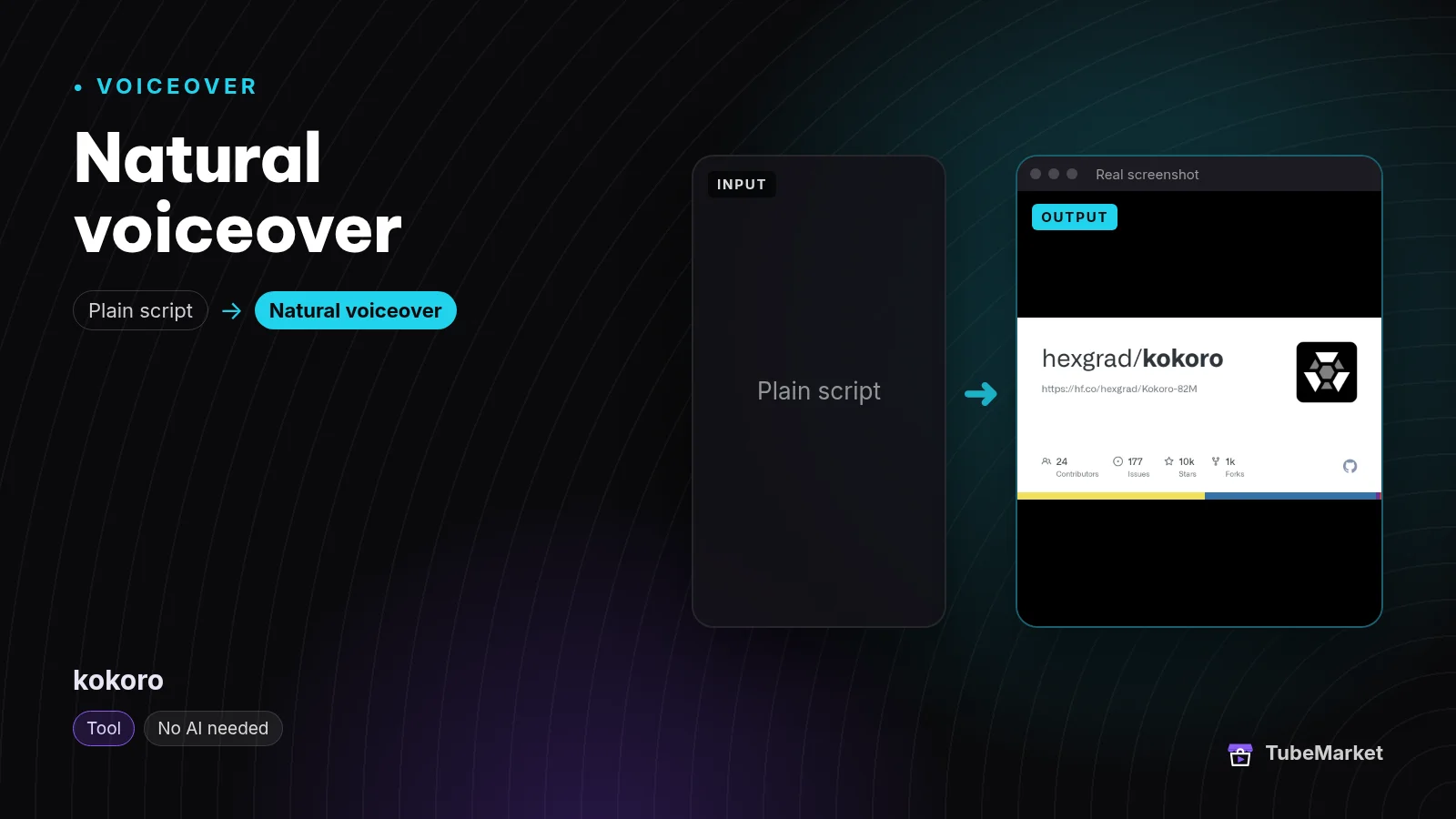

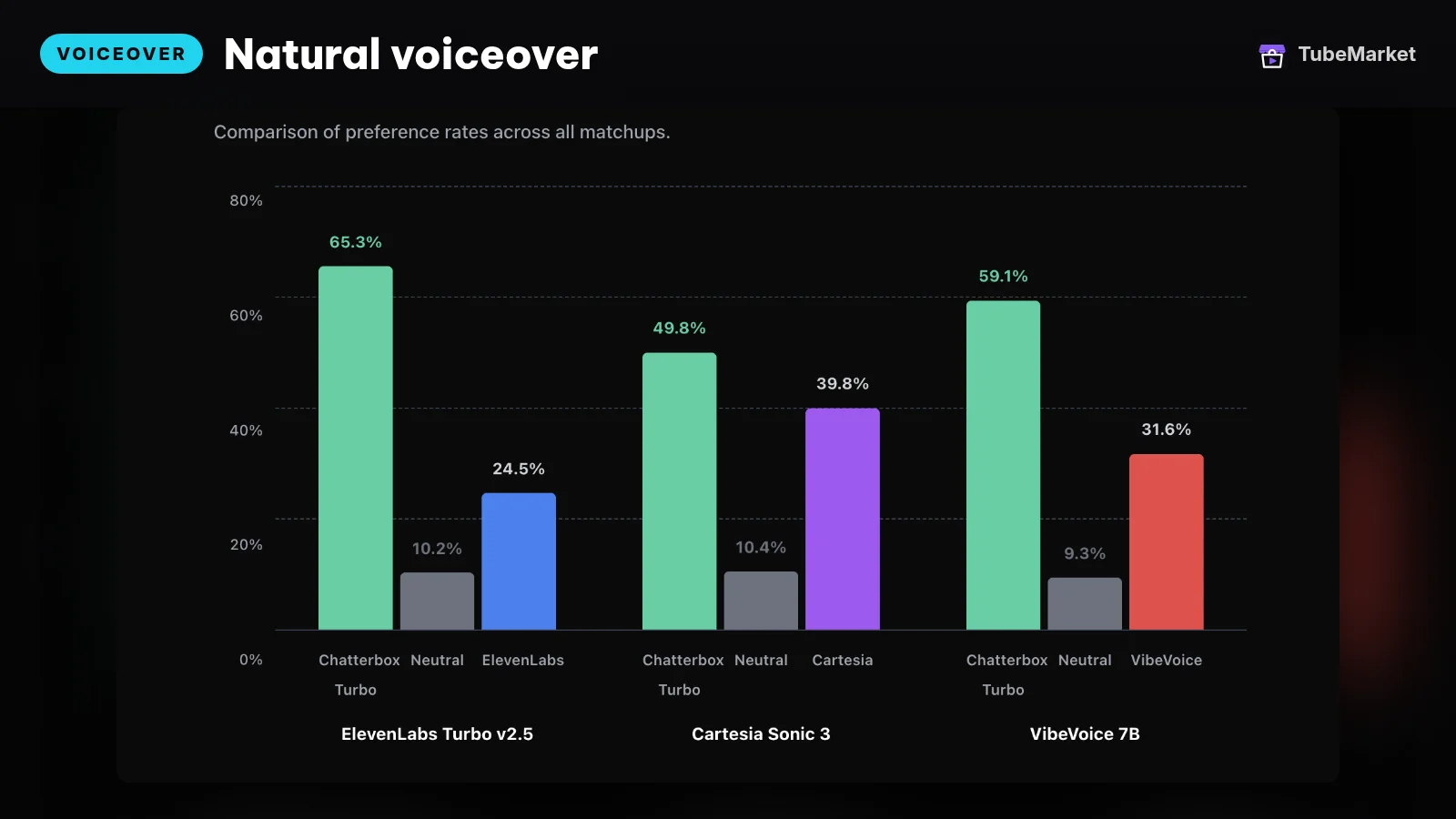

Kokoro is a text-to-speech project that can generate narration locally. Chatterbox is another TTS option, listed with emotion controls. They solve the missing-recording problem. Neither automatically chooses an appropriate voice or makes awkward writing sound natural.
Choose a passage containing a proper name, a transition and a quiet pause. Listen for pronunciation, clipped endings and whether the delivery fits the audience. If the voice sounds too young or too theatrical, change the voice or delivery before you try to hide it under music.
Render in meaningful paragraphs so repairs are manageable, but review the joins in context. Preserve the end of each thought and enough room for the next one to land. A low music bed or a restrained sound cue can carry a pause; it should not compete with the information. Not every pause needs an effect.
Make this deliverable: approved narration with consistent settings and a pronunciation note for recurring names.
Keep this human: listening to the complete track. Do not clone someone else's voice without permission. Review YouTube's current synthetic-content disclosure rules for the actual content you create.
4. “The voice explains one thing while random footage plays.”
Plan the visual job of each beat before generating images
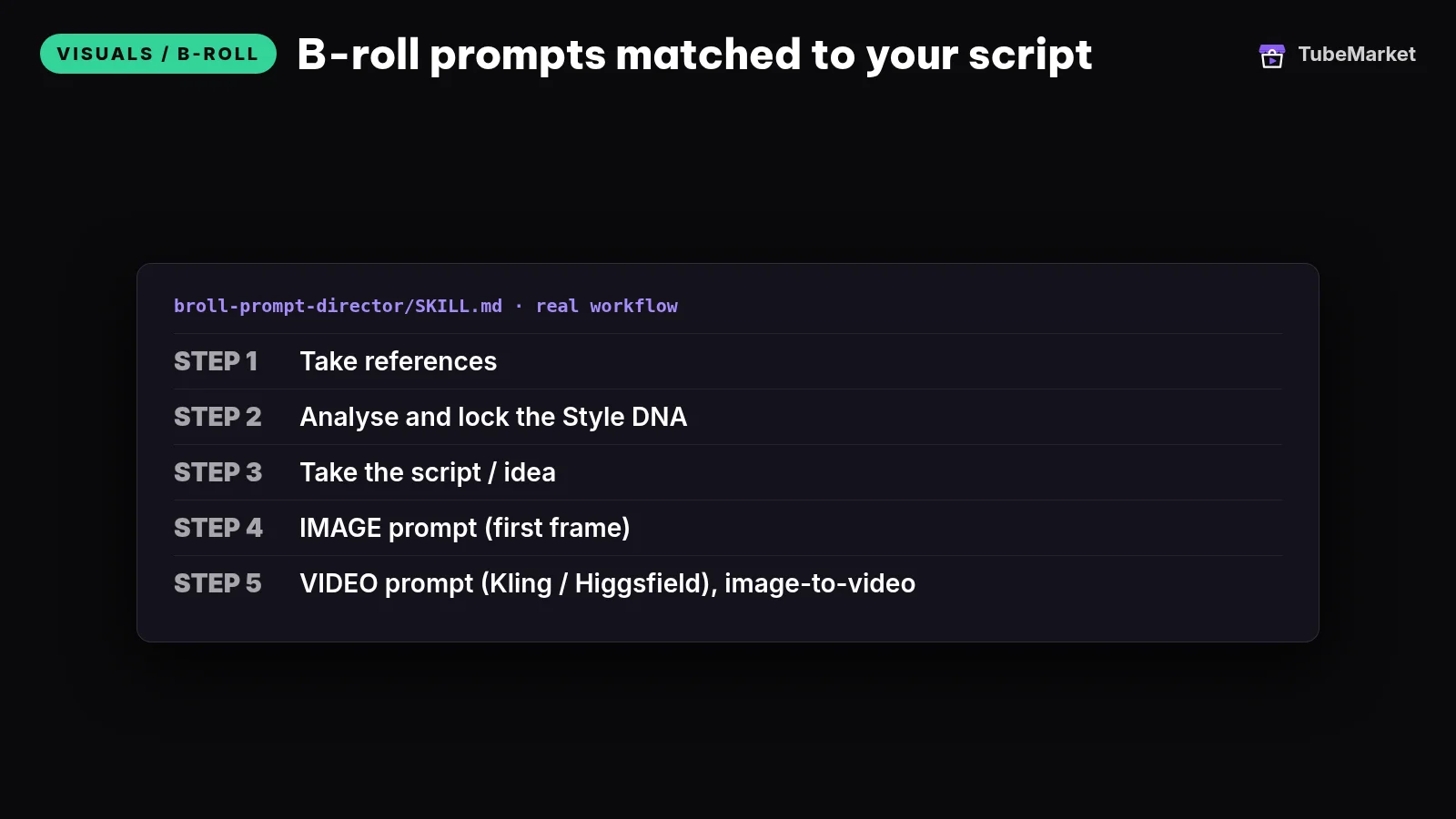
Write B-roll prompts for every line of your script
 broll-prompt-director · by TubeMarket Studio
Writes B-roll prompts matched to each line of your script, ready to paste into your image or video tool. No API key needed.
For: Visuals / B-roll · Faceless storytelling, Talking head
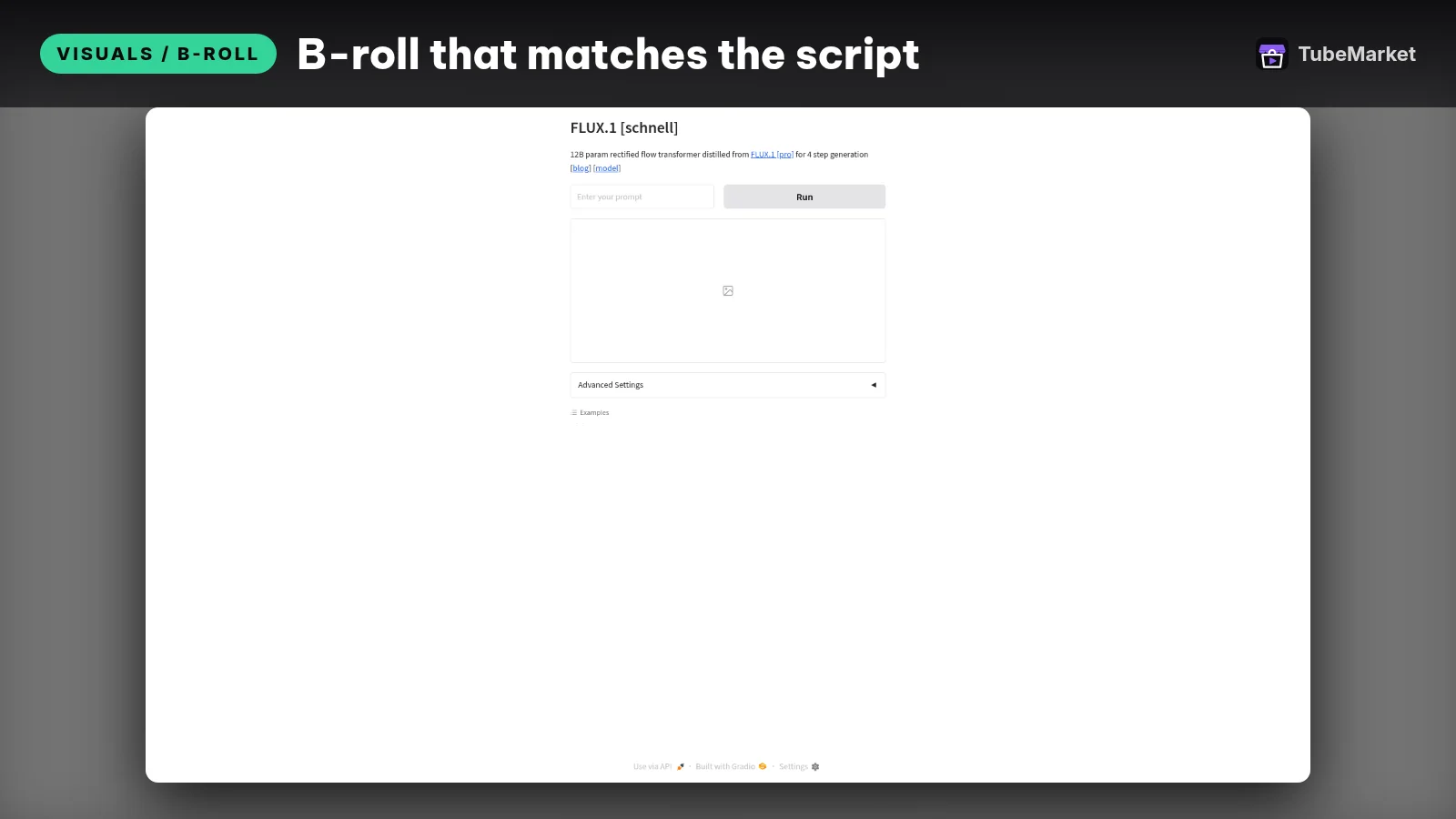
Generate b-roll and thumbnail images fast
 FLUX.1-schnell · by black-forest-labs
Generates images from a text prompt in seconds with FLUX.1 [schnell], good for B-roll stills and thumbnail backgrounds. Free Hugging Face Space; a free HF account helps with usage limits.
For: Visuals / B-roll, Thumbnail · Faceless storytelling, Top list
B-roll Director writes prompts for a sequence of B-roll scenes. FLUX.1-schnell generates images that can serve as illustrations or backgrounds. Use the director to plan the sequence and the image tool to produce suitable assets. A prompt list is not a finished edit.
Label each visual as evidence, explanation or illustration. A screenshot can demonstrate a software setting. A diagram can explain a water system. A generated Roman street can establish atmosphere, but it cannot prove what a particular historical street looked like.
Make this deliverable: a shot list connecting each spoken beat to an asset, its source or generation prompt, and the point it helps the viewer understand. Keep licensing and attribution notes with the files.
Keep this human: rejecting attractive but irrelevant shots. Do not present generated scenes as documentary evidence or move to the next card while the current explanation still needs it.
5. “I have all the assets, but assembling them takes forever.”
Choose manual editing or coded assembly based on your format
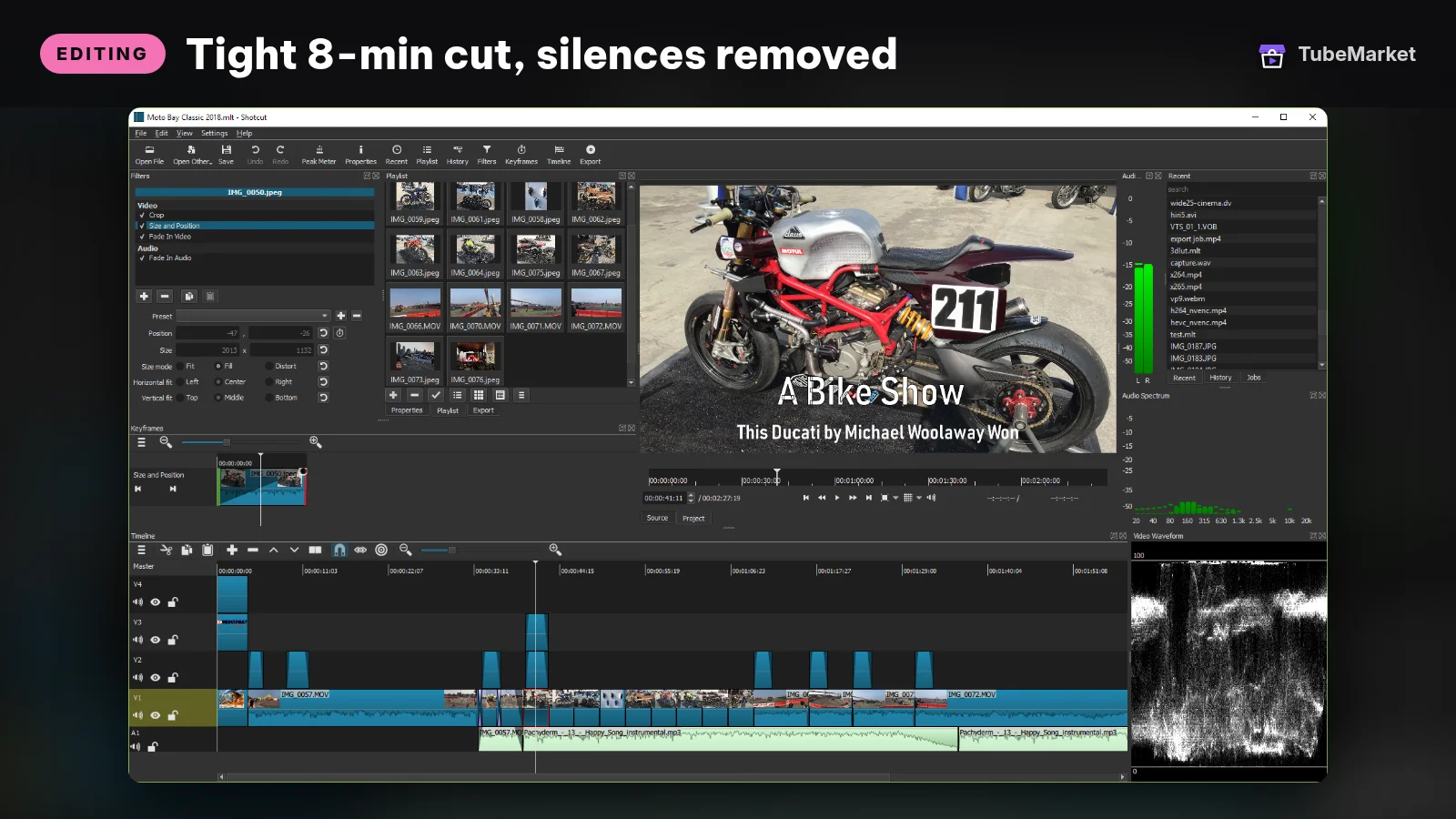

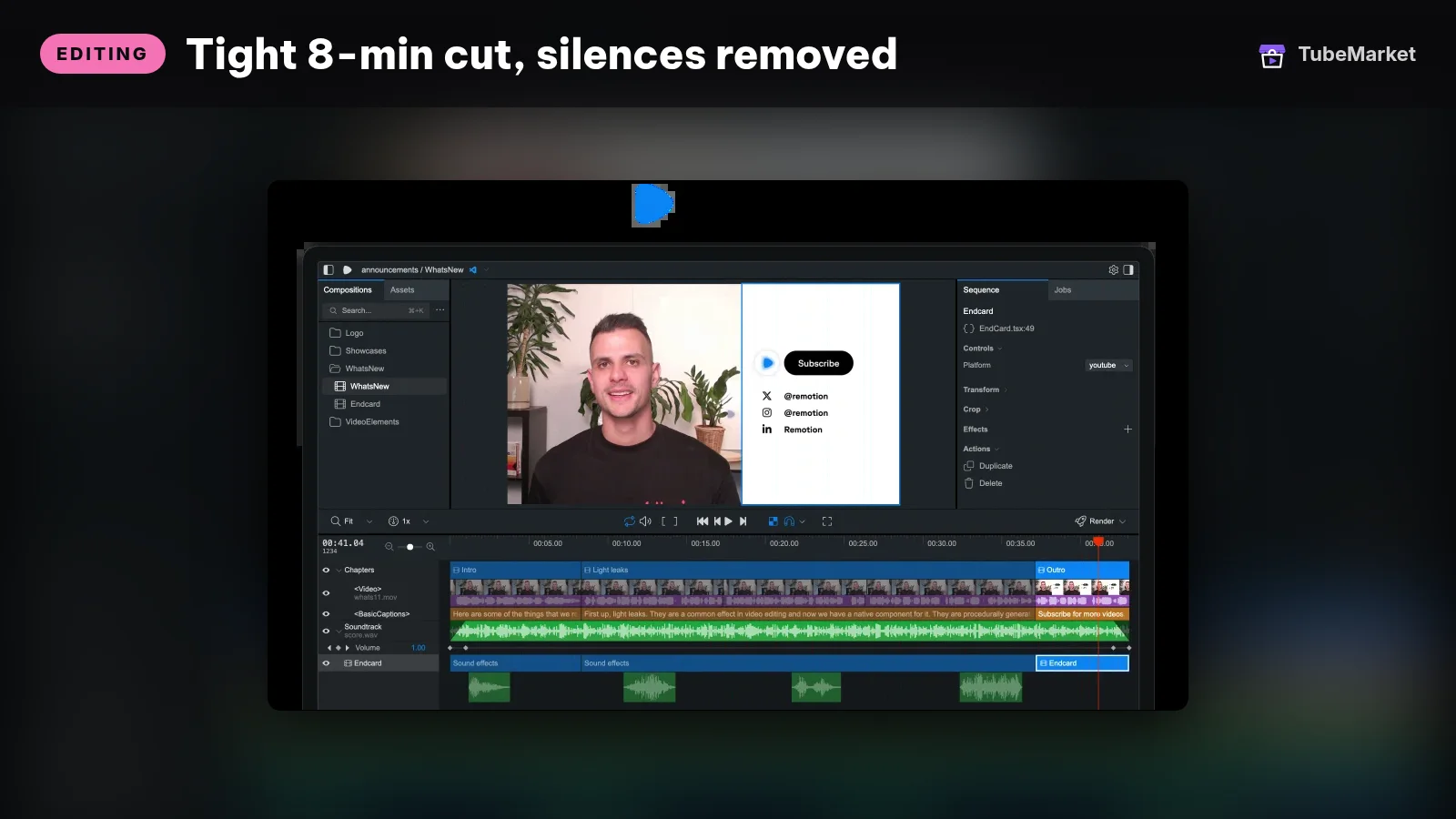

Shotcut is a desktop timeline editor for arranging narration, images, clips, music and text. Remotion makes video with React, which suits repeatable layouts such as comparison cards, charts and illustrated explainers. Choose Shotcut when you need hands-on timeline control; consider Remotion when the same layout logic repeats across episodes.
Remotion is a building block, not an out-of-the-box script-to-channel machine. You still need templates and the logic that connects your assets to the timeline. Review its current license terms for your use.
Make this deliverable: a reusable project with separate voice, music, visual and caption elements. Keep the editable project, not just the final export.
Keep this human: pacing. Do not remove every silence because a tool can detect it. Hold an explanatory visual long enough to understand it, and let an intentional pause resolve rather than cutting the breath short.
6. “The thumbnail gets attention, but it sells the wrong video.”
Write the promise and design the cover together
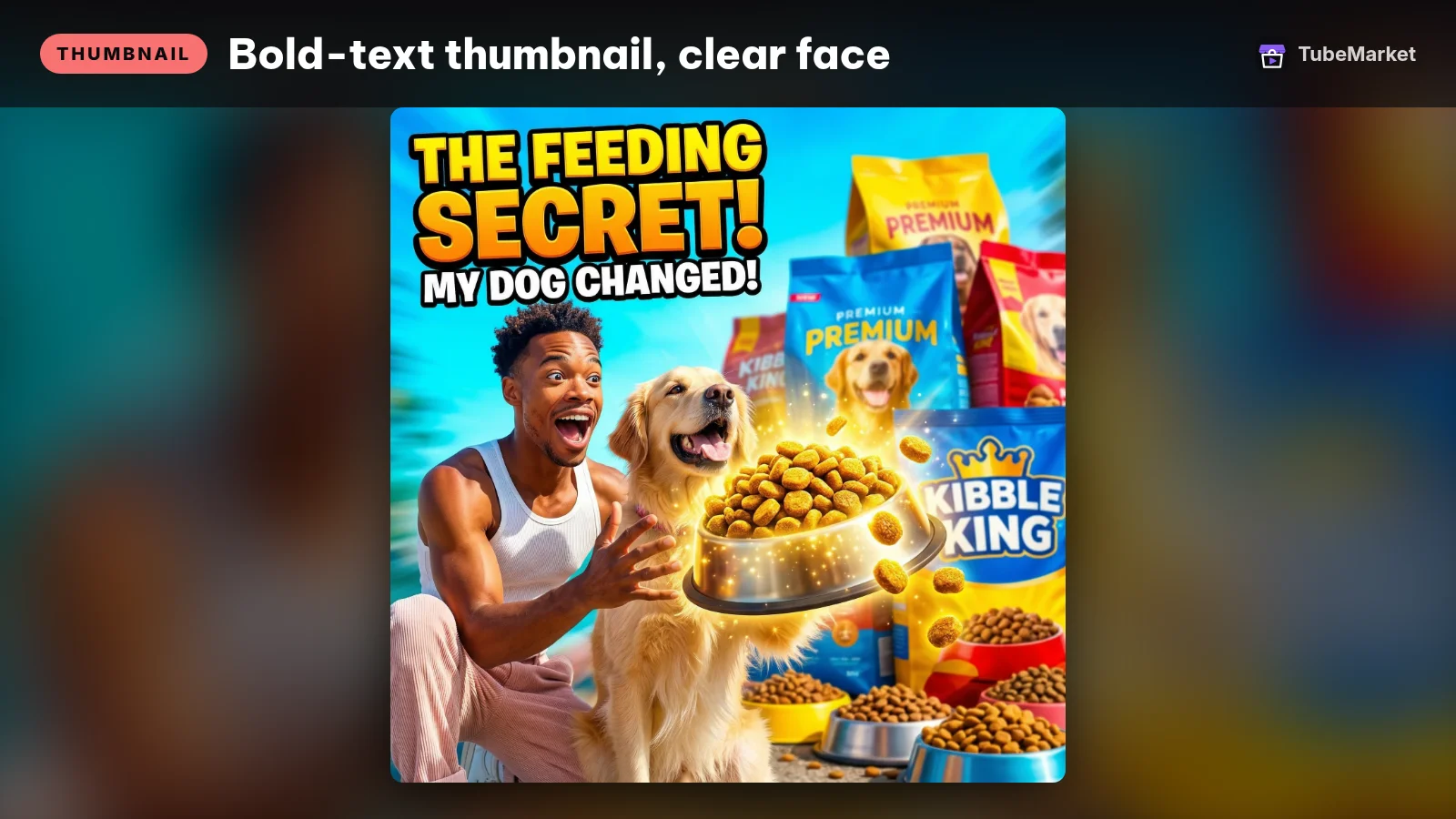
Design high-contrast YouTube thumbnails
 YouTube Thumbnail Generator (Nano Banana Pro) · by Comfy template (eric)
ComfyUI template that turns a reference image and a prompt into a high-contrast 16:9 YouTube thumbnail with Google's Nano Banana Pro model. Needs ComfyUI or Comfy Cloud and paid Gemini API credits.
For: Thumbnail · All formats
The YouTube Title skill works on titles, descriptions and tags using channel patterns and keywords. YouTube Thumbnail Generator is a ComfyUI workflow for high-contrast layouts, with a Gemini node dependency. Use the former to clarify the promise and the latter to explore a visual expression of that same promise.
For the Roman water episode, show the household or water route the video actually explains. Do not add a disaster scene simply because it looks dramatic. The title should name the question; the image should make the situation immediately understandable.
Make this deliverable: a title and cover pair you can justify against the finished script. Check that the image still reads when small.
Keep this human: the concept. A thumbnail tool cannot tell you whether your video delivers the claim. There are no invented CTR benchmarks in this guide; assess packaging against your own channel's results.
7. “My Shorts look cropped, and the captions break the meaning.”
Rebuild the explanation for the format instead of shrinking the long video
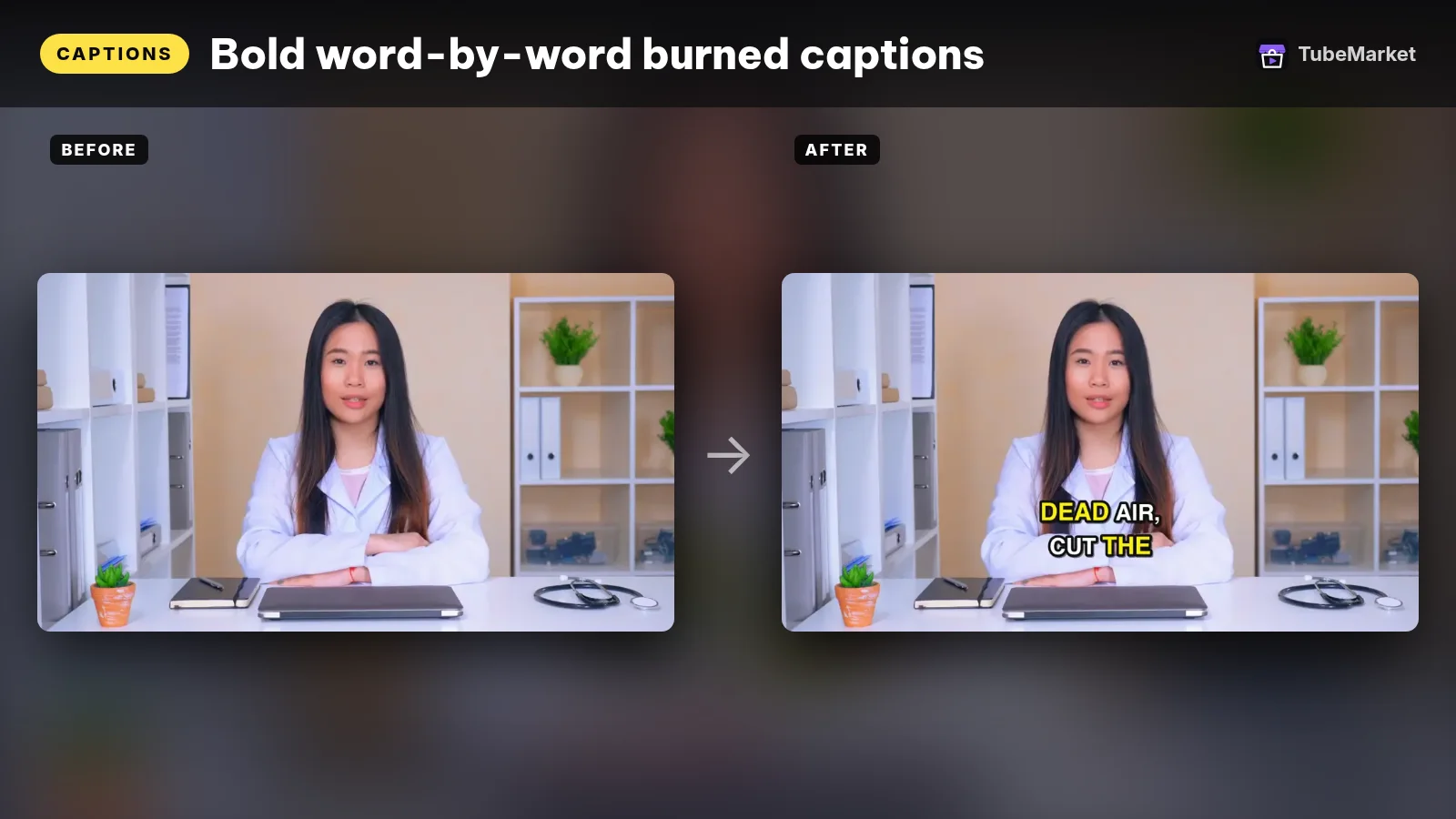
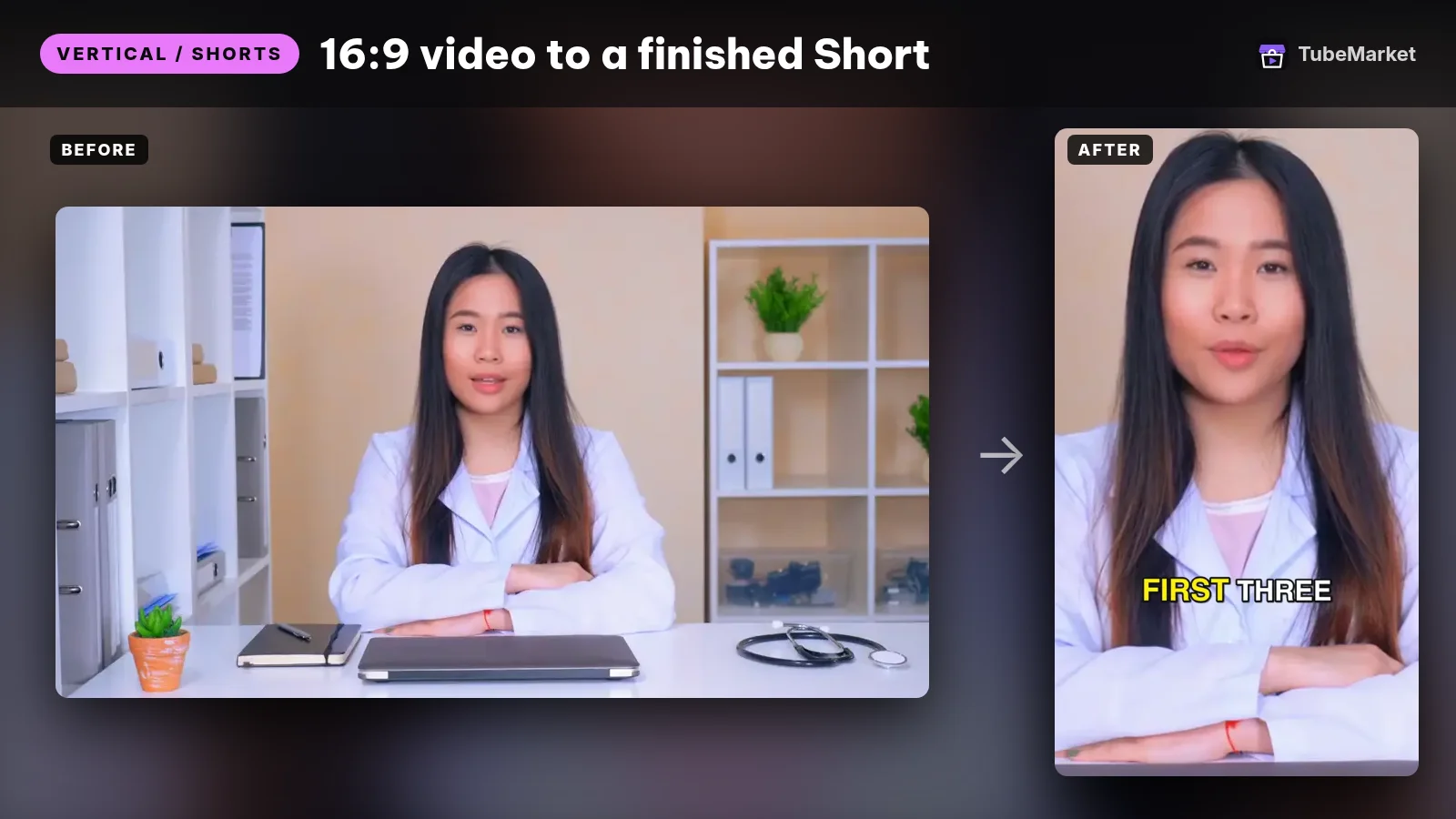
Turn a raw talking video into a finished 9:16 Short
video-shorts-pipeline · by TubeMarket Studio
Turn one raw talking video into a finished 9:16 Short: transcript, silence cuts, face tracking, zooms, captions. No API key needed.
For: Vertical / Shorts, Editing · Shorts, Talking head
The Captions skill burns in word-by-word subtitles, including Vietnamese diacritics. The Video Shorts workflow combines transcription, silence cutting, reframing, zooms and captions. It is designed around talking footage, so treat it cautiously for a faceless video built from diagrams, screenshots or wide comparison cards.
Face-following crops do not know which chart label matters. For those scenes, recompose the layout manually or with your video template. Use the caption tool for timing, then review names, numbers and line breaks against the audio.
A Short needs a question, enough context to understand it and a payoff. Long-form can build a chaptered explanation; a Short must still make sense without the missing chapters. Word highlighting is an effect, not permission to split the on-screen message into meaningless scraps.
Make this deliverable: a standalone vertical edit with readable visuals and captions that follow complete spoken ideas. Keep a clean long-form master so a Shorts layout does not dictate every version.
Keep this human: clip selection and composition. A mechanically correct export can still be an incomplete explanation.
8. “I can finish a video, but I cannot repeat the process reliably.”
Automate the handoffs after the creative process works
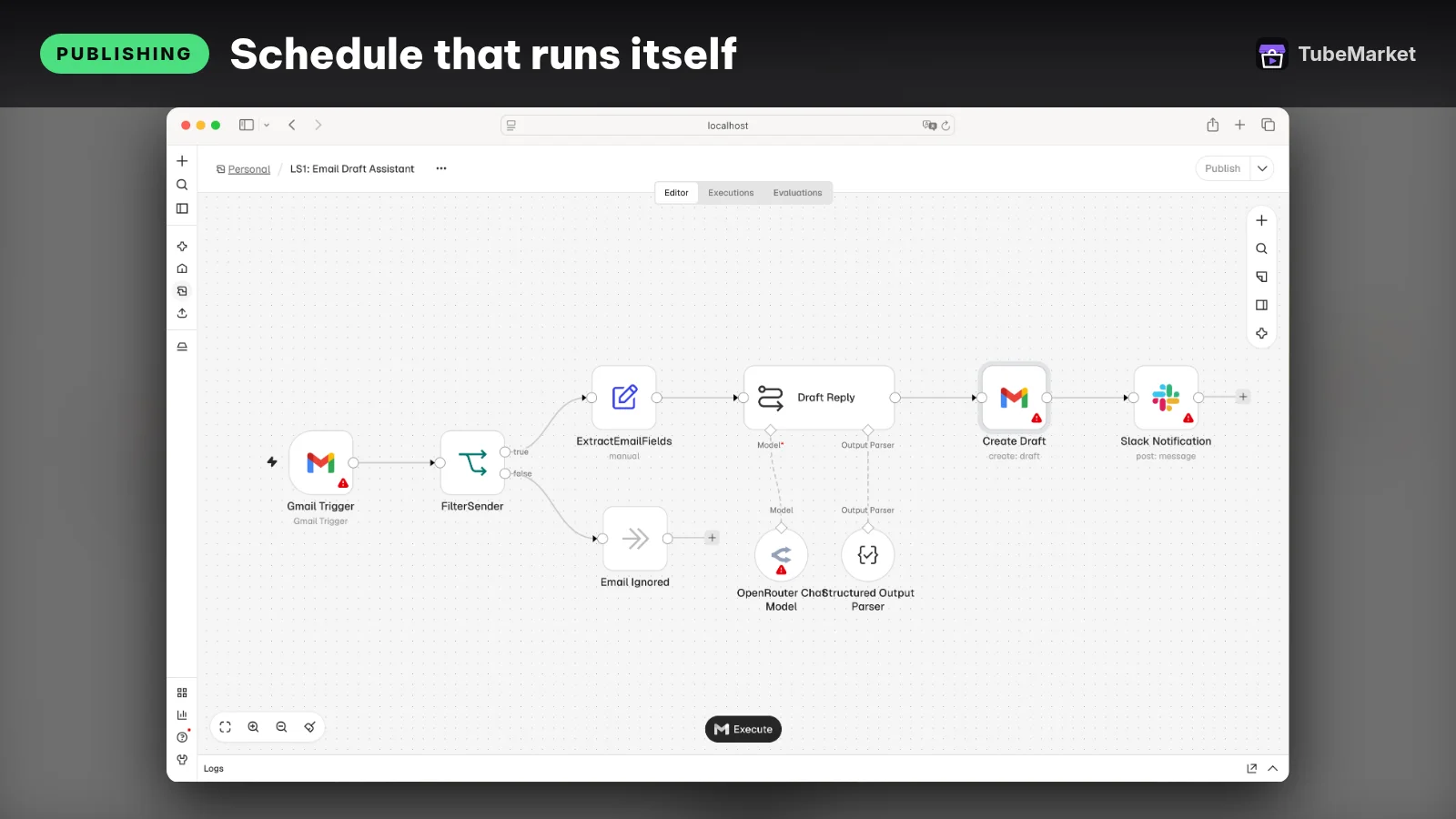


n8n connects workflow steps and services. Postiz supports scheduling across connected platforms. These tools help move approved work through a pipeline; they do not supply editorial judgment, account permissions or a finished channel strategy.
Start with a simple sequence: topic brief → sourced script → approved narration → matched visuals → review export → packaging → publishing approval. Keep a status and file location for each stage. Save tool settings and instructions so the next episode does not depend on remembering what worked last time.
Make this deliverable: a repeatable workflow with explicit approval gates and a way to recover from a failed step without duplicating an upload.
Keep this human: publishing approval and performance review. Learn the production process before you automate it. Otherwise, you only make the mistakes repeat faster.
Case study: Adavia Davis — a format-specific production pipeline
In its profile of Adavia Davis, Fortune reported that he ran five active channels and that his most lucrative format was six-hour “history to sleep to” documentaries. Those details matter together: the voice, visuals and pace serve a specific listening situation, rather than a generic definition of “engaging video.”
Fortune described TubeGen, a proprietary pipeline built by his partner Eddie Eizner: Claude generated scripts and visuals, ElevenLabs supplied narration, and the material was assembled into long-form videos. Small salaried teams oversaw the niches. That is a production system with people involved, not evidence that editorial work disappears.
For financial context, Davis told Fortune that the network generated roughly **$40,000–$60,000 a month**. Fortune said it reviewed analytics screenshots and recent AdSense payout records. This is a reported result from an established operator, not a beginner forecast or a guarantee about current earnings.
The practical lesson: design for the viewer's use case, then connect the production stages. A calm listening format needs a different voice and sound mix from an urgent news explainer. The TubeMarket counterparts in this guide are B-roll Director for scene planning, a TTS project for narration and Remotion for custom assembly. These are proposed alternatives for parts of the workflow. We are not claiming Davis used them, that they reproduce TubeGen, or that they reproduce his results.
Fortune also reports Davis's concern about copycats after he demonstrated the format. Copying the surface of a successful channel is not a durable strategy. Read Fortune's full report for the wider reported workflow, while keeping its historical figures separate from any projection for your channel.
Case study: Noah Morris — research and production before outsourcing
In a public interview with Noah Morris, he describes researching the Court Cases channel by examining related channels and older topics on A&E, then looking for subjects competitors had not covered. The useful lesson is the research method: compare existing coverage and find a gap, rather than generate a random list of “viral ideas.” That does not give you rights to reuse the footage or scripts.
Morris also recommends that beginners write and edit their own videos before outsourcing, so they understand the work they will later commission. For thumbnails, he describes keeping control of the concept initially, then teaching a designer what the audience responds to. Those are concrete decisions about which judgment to keep in-house.
The practical lesson: use youtube-transcript-api and the Summarizer to organize reference material, a writing skill to develop your own explanation, and a title/thumbnail pair to package it. Learn to review the output yourself before delegating it. These are our catalog mappings, not tools Morris claimed to use.
The eBiz Facts newsletter also points to Morris and a Playtime Mysteries breakdown. We are not reproducing that channel's earnings or portfolio totals here. The directly accessible interview provides a practical case without needing a revenue headline.
What none of these skills can promise
No skill card guarantees monetization, originality or an audience. YouTube's monetization policies address repetitive or mass-produced content and reused content without significant original value. Permission to use an asset and eligibility for monetization are separate questions.
Keep the sources, licenses and editorial decisions behind every episode. A repeatable layout is useful; interchangeable videos with little substance are not. Review realistic synthetic media against YouTube's disclosure guidance, rather than assuming every AI-assisted step has the same requirements.
If you are starting now, finish an episode whose question you can answer well. Fix its weakest production stage with the relevant skill above. Then repeat the process with a different, genuinely useful idea. That is a more workable starting point than automating a channel you do not yet know how to make.
Sources and selection notes
- Fortune: Adavia Davis's faceless YouTube business. All Davis figures above come from this article, fetched during preparation of this draft.
- Public Noah Morris interview. The fetched transcript supports the Court Cases research, learning-before-outsourcing and thumbnail-concept examples. No earnings or audience totals are used from it.
- eBiz Facts newsletter pointing to Morris and Playtime Mysteries. Context only; its financial claims are not repeated.
- YouTube channel monetization policies and synthetic-content disclosure guidance, opened for this draft.
- Catalog IDs and functions checked against TubeMarket's on-disk catalog. Selection is based on the job described in each listing, not a hands-on performance benchmark. No prices or promised channel metrics are quoted.